



Table of Contents
Introduction
Running a Shopify store involves more than uploading products and processing orders. Shopify includes web hosting and SSL certificates in its plans, but understanding what your subscription covers is the first step toward planning ongoing maintenance.
Theme updates can introduce new features and fixes, but they also need careful review. Shopify notes that some apps may be incompatible with an updated theme, and custom code changes may require additional work before publishing.
This guide explores Shopify maintenance packages in 2026, including the services to look for, how costs are structured, and what affects your budget. You will also learn how to compare support options and choose suitable coverage.
Why Shopify Maintenance Matters
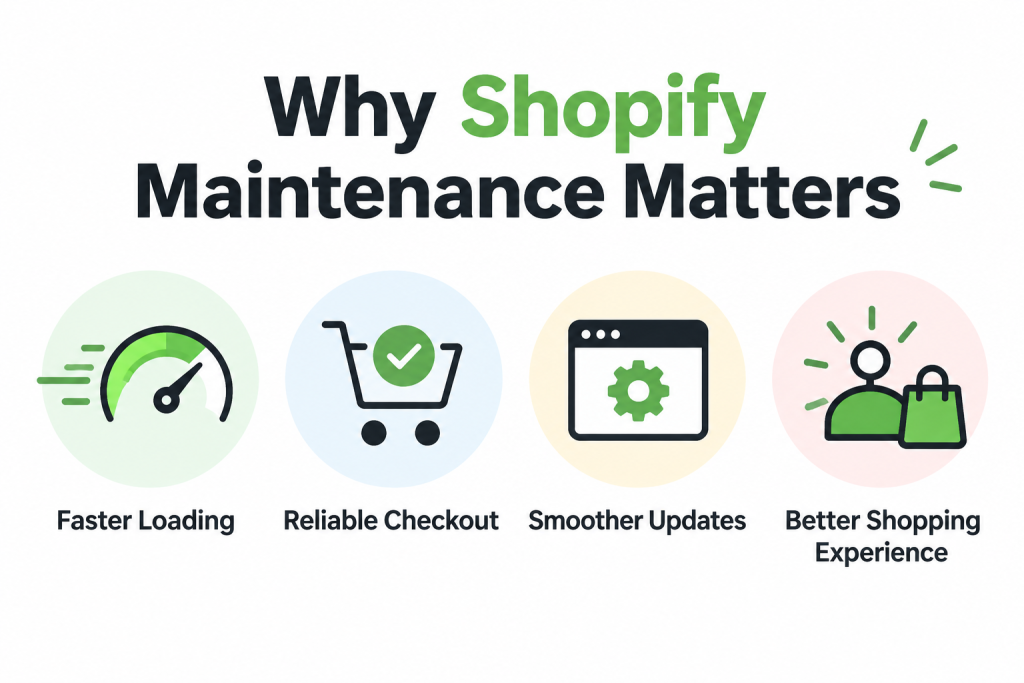
As your Shopify store grows, new apps, design changes, and added features can affect how it works.
- Faster Loading: Apps, theme code, and extra scripts can slow your store. Regular performance checks help identify unnecessary features and improve how quickly pages load.
- Reliable Checkout: Test orders help verify checkout, shipping, taxes, and order notifications. Checking these settings after payment changes helps catch errors that could disrupt purchases.
- Smoother Updates: Theme updates may affect app compatibility or custom code. Reviewing changes in a draft theme helps you resolve issues before publishing the updated version.
- Better Shopping Experience: Shifting layouts and slow buttons can make browsing frustrating. Monitoring visual stability and responsiveness helps keep your store easier to use across different devices.
Regular maintenance helps identify problems, keep updates working correctly, and make shopping easier for your customers.
What Maintenance Packages Include
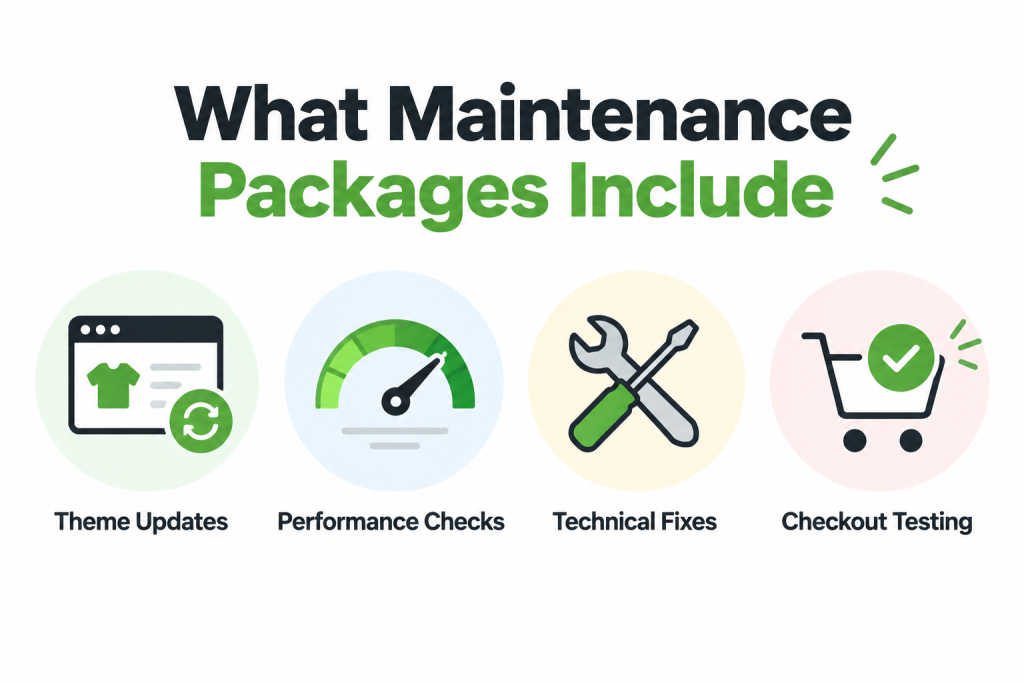
Shopify maintenance packages vary by provider, so check the services included before choosing a plan.
- Theme Updates: Support can include reviewing theme releases, applying updates, and checking custom code. Testing changes before publishing helps protect your store’s existing design and functionality.
- Performance Checks: Look for reviews of loading speed, installed apps, and unnecessary scripts. These checks help identify what slows your store and where improvements are needed.
- Technical Fixes: Confirm whether the package covers theme errors, app conflicts, and broken storefront features. Some problems require coordination with the original theme or app developer.
- Checkout Testing: Ask whether support includes test orders after relevant changes. These checks verify checkout settings, shipping calculations, taxes, inventory updates, and customer email notifications.
Look for coverage that addresses theme updates, store performance, technical problems, and testing after changes.
Shopify Support vs. Paid Maintenance
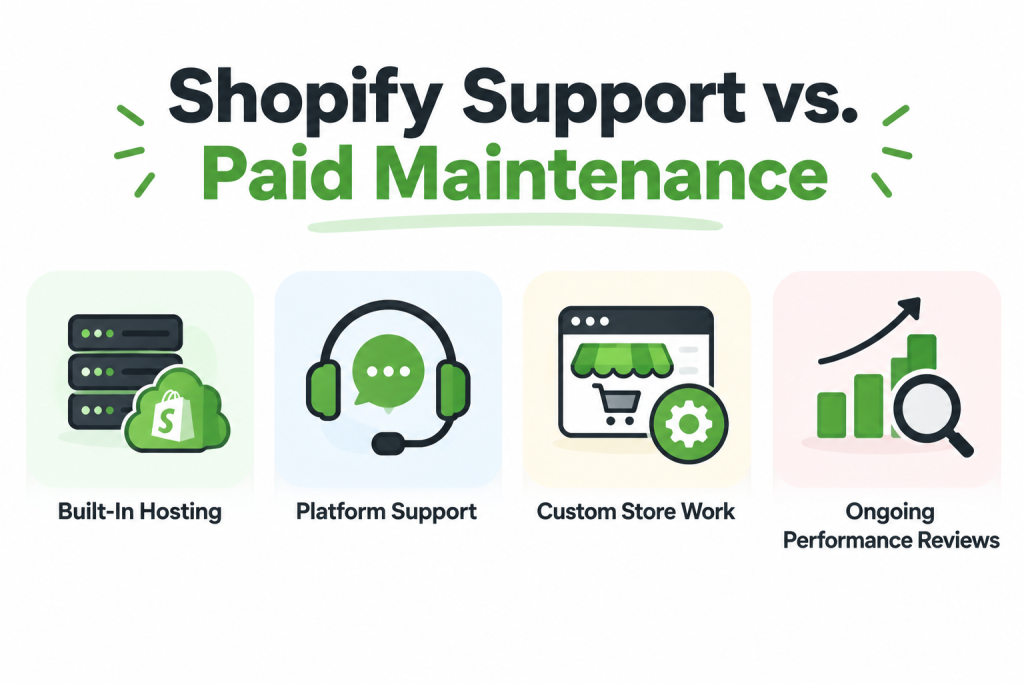
Shopify subscriptions include hosting and access to platform support. Paid maintenance provides additional help with your store’s specific needs.
- Built-In Hosting: Shopify includes web hosting and SSL certificates with its online store plans. These essentials are already covered when you budget for additional maintenance services.
- Platform Support: Shopify provides support for its platform, with assistance depending on your plan and issue. Help with third-party themes or apps may require their developers.
- Custom Store Work: Updating customized themes can require reviewing code and resolving conflicts. A paid maintenance agreement can assign this work to a provider familiar with your store.
- Ongoing Performance Reviews: Shopify handles infrastructure optimizations, while your themes, apps, and added scripts still affect performance. Paid support can help review and improve these store-specific elements.
Understanding each service’s responsibilities helps you decide where outside support would be useful.
Shopify Maintenance Costs in 2026
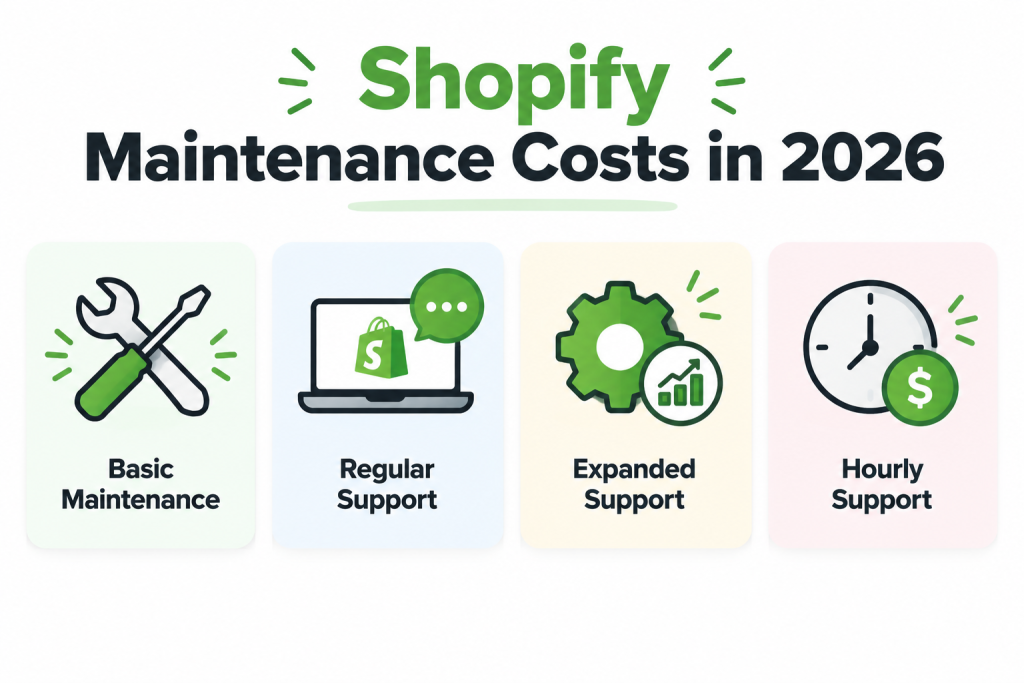
Maintenance costs depend on the hours and services included. The following published HeyCarson prices provide concrete examples for 2026, separate from your Shopify subscription.
- Basic Maintenance: HeyCarson lists a $299 monthly downgrade option for existing subscribers, including proactive theme updates, three support hours, and continued access to its deployment setup.
- Regular Support: Its Lite plan costs $995 per month for 10 hours. This covers eligible design and development tasks, including theme updates, bug fixes, and customizations.
- Expanded Support: The Plus plan provides 25 hours for $1,995 monthly, while Enterprise offers 50 hours for $3,995. Compare included services alongside the available hours.
- Hourly Support: Single projects are listed at $110 per hour, with no minimum project size. Your total depends on the work required and the quoted hours.
They represent one provider’s offerings, rather than industry averages.
Factors That Affect Maintenance Costs
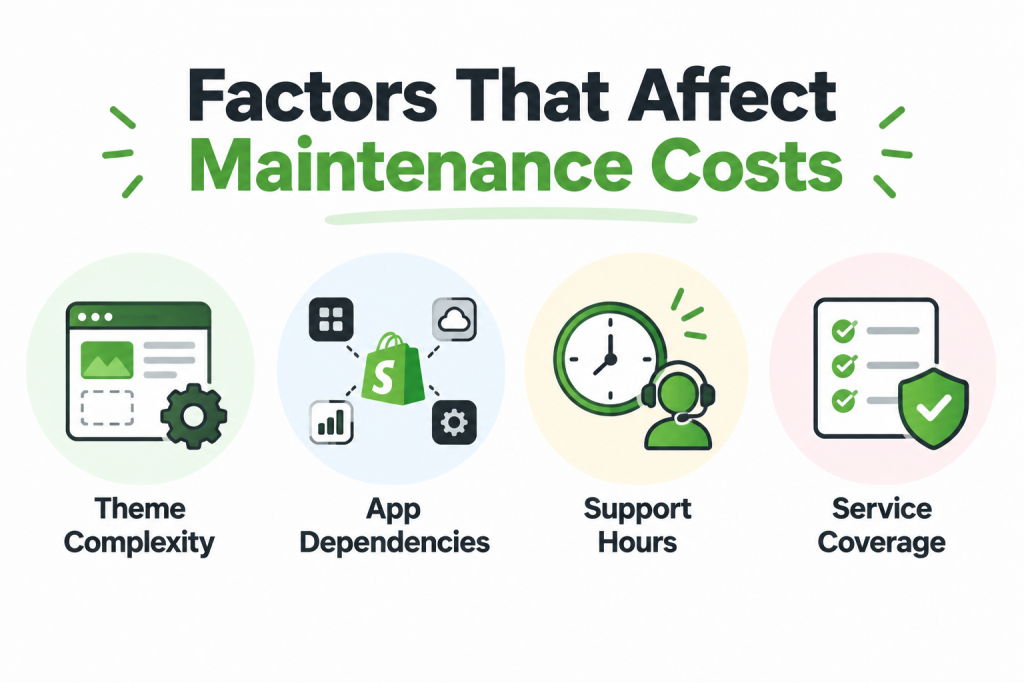
Your maintenance budget depends on how your store is built, the work required, and the support included.
- Theme Complexity: Custom code can complicate theme updates when changes conflict with newer versions. More review, adjustments, and testing can increase the work your store requires.
- App Dependencies: Apps and external scripts can affect store performance. Diagnosing problems across several tools may require additional investigation and coordination with individual developers, increasing support needs.
- Support Hours: Monthly packages can charge according to allocated hours. Frequent fixes and development requests may require a larger allowance, while additional hours can increase your bill.
- Service Coverage: Packages with design work, automated testing, or ongoing optimization may cost more. Check included tasks carefully because specialist services can fall outside your monthly agreement.
Understanding these factors helps you compare packages and identify services that match your actual needs.
Monthly Plans vs. Pay-as-You-Go Support
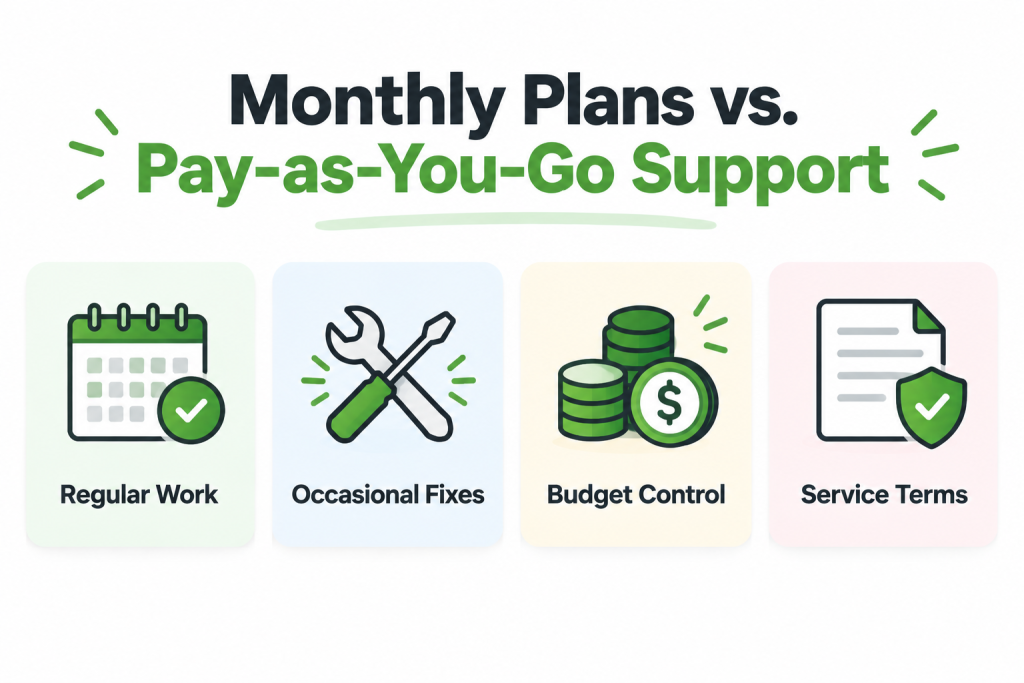
Monthly plans provide an ongoing allowance for store work, while pay-as-you-go support lets you purchase help for individual tasks.
- Regular Work: A monthly plan can suit stores with recurring updates and development requests. Allocated hours help you schedule work, provided your tasks fall within the package.
- Occasional Fixes: Pay-as-you-go support can suit isolated problems or small projects. You approve work as needed, without paying a recurring fee during months when no assistance is required.
- Budget Control: Monthly plans offer a predictable base expense, but extra hours can increase costs. Individual projects need clear estimates so you understand the likely total.
- Service Terms: Compare scheduling, unused hours, and cancellation conditions. For example, HeyCarson offers limited hour rollover and different starting times for subscriptions and individual projects.
The better fit depends on how frequently you need assistance and how predictable that workload is.
Choosing the Right Maintenance Package
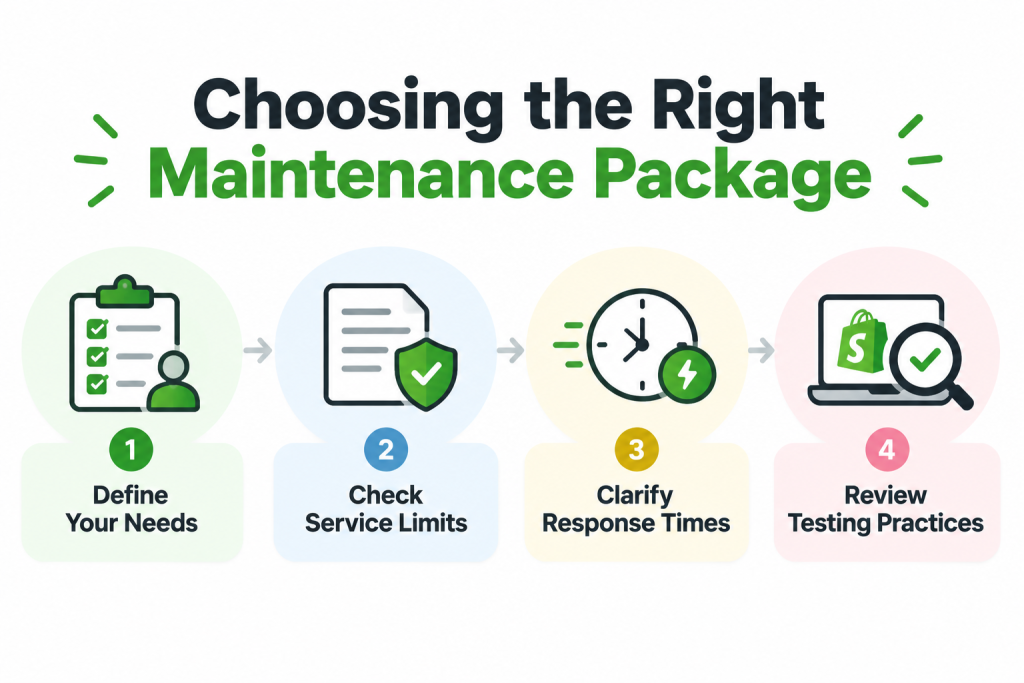
Start with the problems your store needs help solving and the work you expect each month. A suitable package should clearly explain its coverage, support process, and costs before you commit.
- Define Your Needs: List recurring problems, planned updates, and tasks your team cannot handle. Use this list to check whether a package covers your store’s actual workload.
- Check Service Limits: Ask which tasks are excluded, how extra hours are charged, and whether unused hours expire. These details help you understand the package’s full cost.
- Clarify Response Times: Ask when work will begin, how urgent requests are handled, and who provides updates. Distinguish an initial response from the time needed to complete repairs.
- Review Testing Practices: Confirm that theme changes are checked before publishing, including app compatibility and custom code. Shopify recommends reviewing updated draft themes before making them live.
Future of Shopify Maintenance
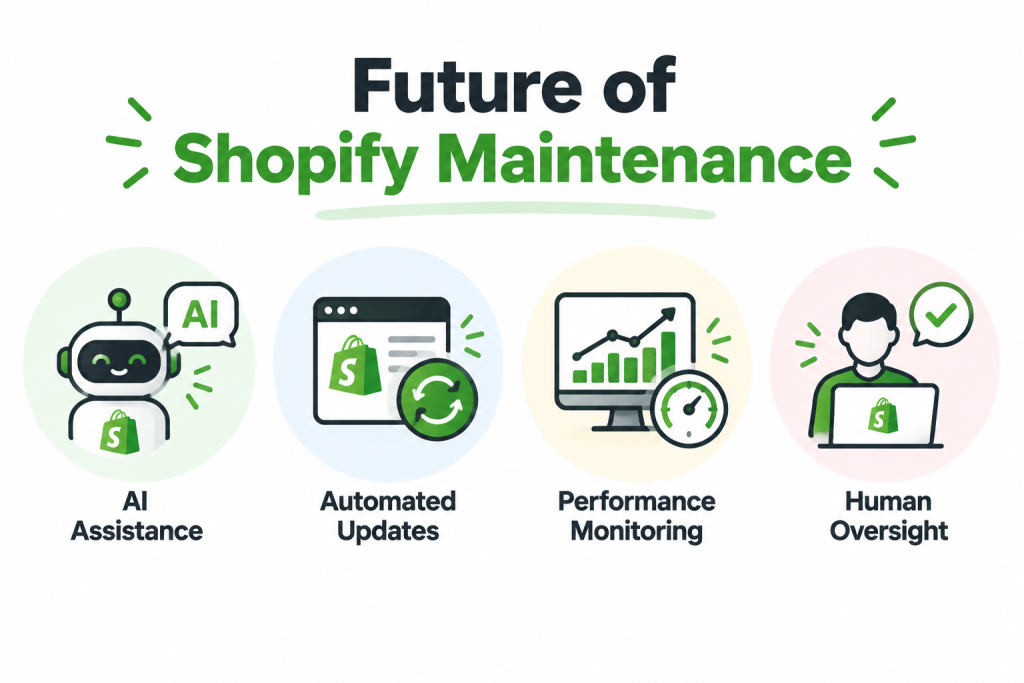
Shopify’s existing AI tools, automated updates, and performance reports suggest a future with more automated assistance.
- AI Assistance: Shopify’s Sidekick already provides guidance and helps complete store tasks. Future maintenance workflows could use similar assistance to support routine work while retaining human approval.
- Automated Updates: Shopify already applies certain automated theme fixes for bugs and security issues. Broader automation could reduce manual upkeep, although customized themes will still need review.
- Performance Monitoring: Shopify’s reports measure loading speed, responsiveness, and layout stability. Future maintenance services could use these signals more consistently to identify problems and prioritize improvements.
- Human Oversight: As automation expands, expert checks will remain valuable for custom code and app compatibility. Reviewing changes before publication helps protect the store’s design and functionality.
Maintenance packages may increasingly combine these capabilities with expert reviews to keep store changes reliable and useful.