



Table of Contents
Introduction
Migrating an ecommerce store to Shopify can be one of the best decisions for a growing business. Shopify offers a scalable infrastructure, flexible storefront options, a strong ecosystem of integrations, and tools designed to support modern ecommerce operations.
Broken product pages, missing customer data, incorrect inventory, failed payment integrations, and lost SEO rankings can all affect revenue. Even small technical mistakes during a platform migration can result in traffic drops and frustrated customers.
A successful Shopify migration is not simply about moving products from one platform to another. It requires careful planning, data validation, SEO preservation, testing, and post-launch monitoring.
This Shopify migration checklist for 2026 will help you plan your transition and minimize the risk of losing sales, organic traffic, or important business data.
What Is a Shopify Migration?
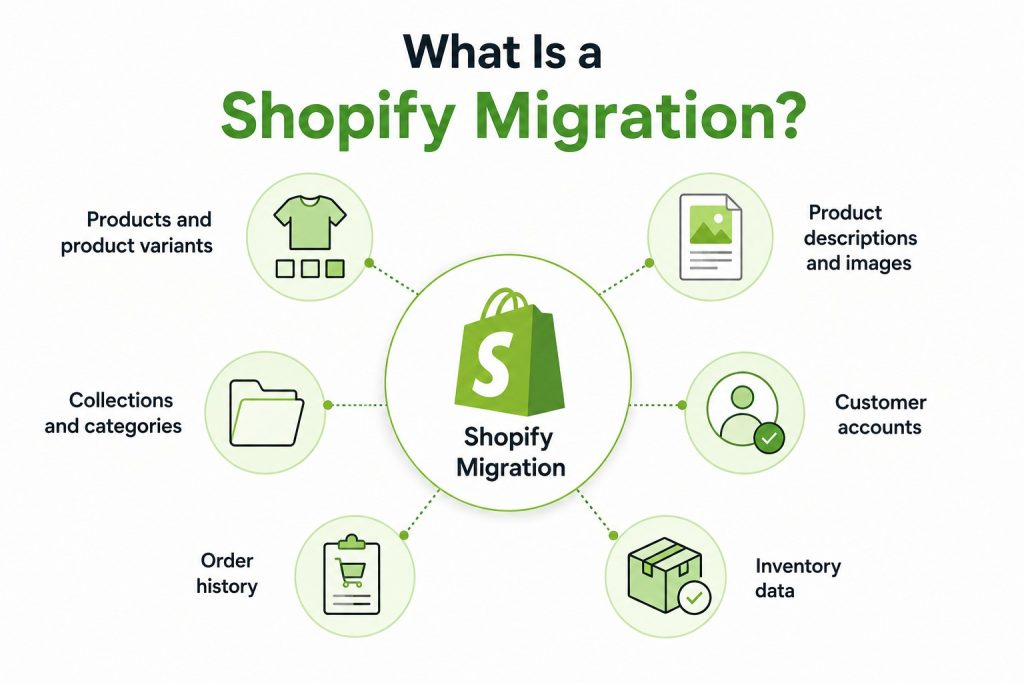
A Shopify migration is the process of moving an existing ecommerce website from another platform to Shopify. Depending on your current setup, the migration may involve transferring:
- Products and product variants
- Product descriptions and images
- Collections and categories
- Customer accounts
- Order history
- Inventory data
- Reviews
- Discounts
- Blog content
- SEO metadata
Businesses commonly migrate from platforms such as WooCommerce, Magento, BigCommerce, Wix, Squarespace, and custom-built ecommerce platforms.
The challenge is ensuring that the new Shopify store preserves the essential elements of the existing website while improving performance and usability.
Why Shopify Migrations Can Affect Sales and SEO?
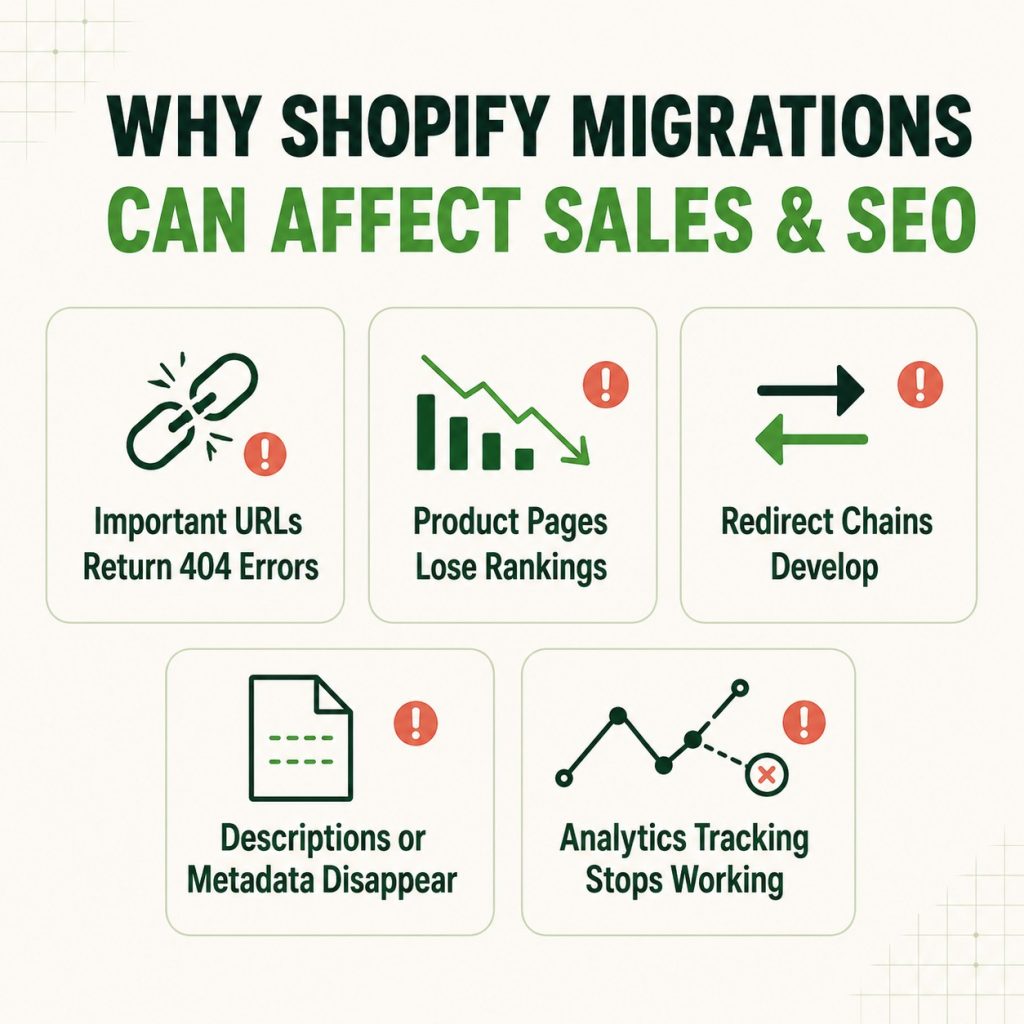
An ecommerce migration changes more than the platform behind your website.
Your URLs, templates, navigation, structured data, internal linking, tracking setup, and checkout experience may also change. Search engines need time to crawl and understand those changes.
For example, a migration may cause:
- Important URLs to return 404 errors
- Product pages to lose rankings
- Redirect chains to develop
- Product descriptions or metadata to disappear
- Analytics tracking to stop working
- Inventory to display incorrect quantities
- Payment or shipping systems to fail
- Customers to encounter checkout problems
The goal of a migration is not to change everything at once. The safest approach is to preserve what is already working and make improvements strategically after the migration is stable.
Shopify Migration Checklist for 2026
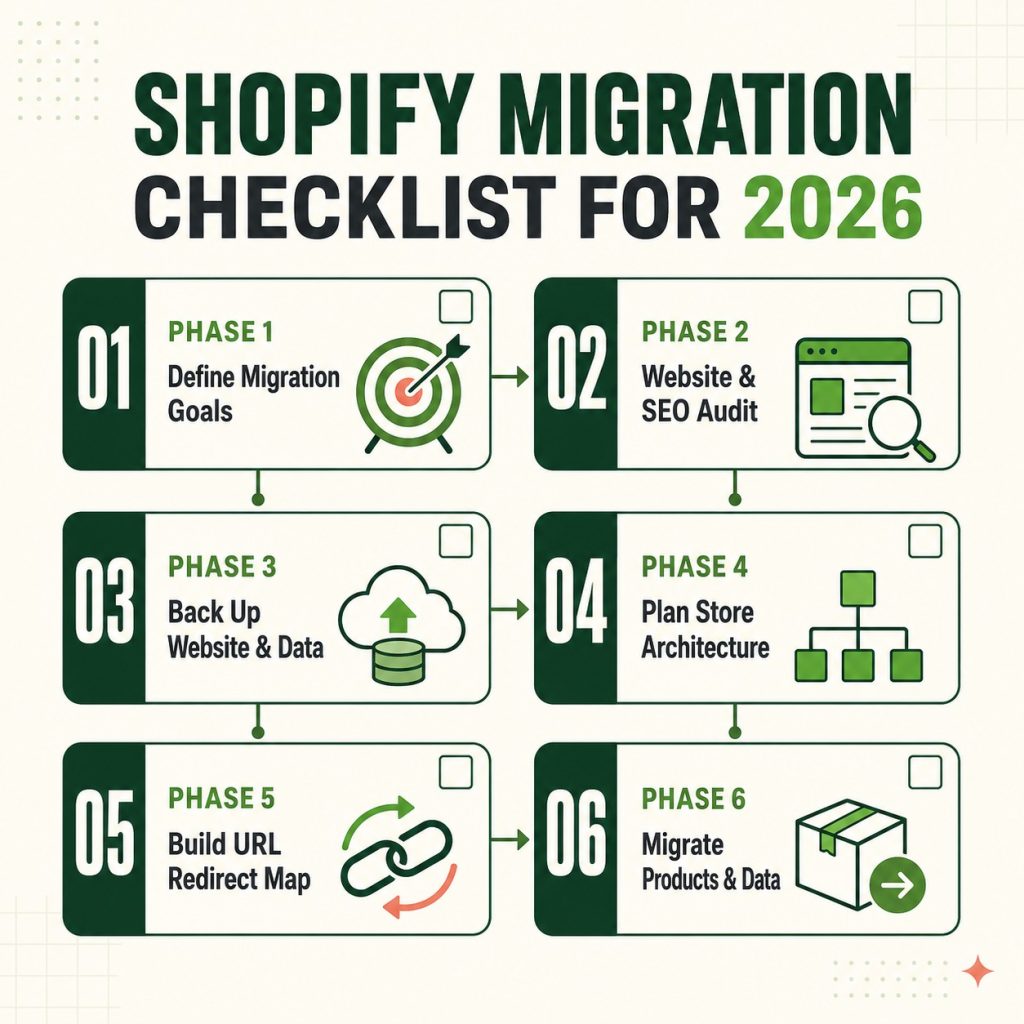
Phase 1: Define Your Migration Goals
Before moving any data, determine why your business is migrating to Shopify.
Your goals may include:
- Improving website performance
- Creating a better customer experience
- Reducing platform maintenance
- Improving mobile usability
- Expanding into new sales channels
- Improving ecommerce scalability
- Simplifying inventory management
- Supporting international selling
- Improving integrations and automation
Clear goals help determine which features, integrations, and data should be prioritized during the migration.
Phase 2: Perform a Complete Website and SEO Audit
Before making changes, create a detailed snapshot of your existing website. This is one of the most important steps in protecting your SEO performance.
Create a Complete URL Inventory
Your URL inventory should include:
- Homepage
- Product pages
- Category pages
- Collection pages
- Blog posts
- Landing pages
- Service pages
- Resource pages
- Important filtered pages
- High-performing organic pages
For every important URL, record relevant SEO information such as:
- Page title
- Meta description
- H1
- Canonical URL
- Word count
- Organic traffic
- Rankings
- Backlinks
- Internal links
- Conversion data
A complete inventory gives you a reference point when comparing your old and new websites.
Phase 3: Back Up Your Existing Website and Data
Never begin a migration without creating backups. Your backup should include as much of the existing store data as possible.
Important Data to Back Up
- Product information
- Product images
- Product variants
- SKU information
- Inventory data
- Customer data
- Order history
- Blog content
- SEO metadata
- Redirect files
- Analytics data
- Website files where applicable
You should also maintain exports of your historical analytics data. This makes it easier to compare traffic, revenue, conversions, and search performance after the migration.
Phase 4: Create Your Shopify Store Architecture
Before importing content, plan how your Shopify store will be structured. Shopify uses its own URL conventions for certain page types. For example, products, collections, and blogs may follow different URL structures from your existing platform.
Plan Your Website Structure
Define:
- Main navigation
- Collection structure
- Product organization
- Blog structure
- Internal linking
- Footer navigation
- Important landing pages
Your new architecture should make it easy for customers to find products and for search engines to crawl important pages. Avoid unnecessarily restructuring the entire website during migration unless there is a clear business or SEO reason to do so.
Phase 5: Build a Complete URL Redirect Map
Redirect mapping is one of the most important parts of an SEO-safe Shopify migration. Every important old URL should be mapped to the most relevant new URL.
Example:
Old URL: website.com/category/running-shoes
New URL: website.com/collections/running-shoes
The old URL should redirect directly to the relevant new page.
Follow These Redirect Best Practices
- Use permanent 301 redirects where appropriate.
- Map old URLs to the closest relevant new URLs.
- Avoid redirect chains.
- Avoid redirect loops.
- Do not redirect unrelated pages to the homepage.
- Update internal links to point directly to the new URLs.
- Test redirects before and after launch.
Shopify provides URL redirect functionality that can help businesses manage migration redirects, including bulk redirect imports for larger migrations.
Phase 6: Migrate Products and Product Data
Your product catalog should be carefully validated after import. Do not assume that an automated migration tool transferred every field correctly.
Check:
- Product titles
- Product descriptions
- SKUs
- Prices
- Compare-at prices
- Product variants
- Inventory quantities
- Product images
- Image alt text
- Product tags
- SAvailability
A product page may look correct while still containing incorrect variant information.
Conclusion
A Shopify migration can be a major opportunity to improve your ecommerce infrastructure, customer experience, and long-term growth. However, the transition must be carefully planned to avoid unnecessary disruption.
We help businesses approach Shopify migrations strategically, from store planning and data migration to SEO preservation, testing, and post-launch optimization.
The goal is simple: move your ecommerce business to Shopify while protecting the traffic, rankings, and revenue you have already worked hard to build.
Deepak Wadhwani has over 20 years experience in software/wireless technologies. He has worked with Fortune 500 companies including Intuit, ESRI, Qualcomm, Sprint, Verizon, Vodafone, Nortel, Microsoft and Oracle in over 60 countries. Deepak has worked on Internet marketing projects in San Diego, Los Angeles, Orange Country, Denver, Nashville, Kansas City, New York, San Francisco and Huntsville. Deepak has been a founder of technology Startups for one of the first Cityguides, yellow pages online and web based enterprise solutions. He is an internet marketing and technology expert & co-founder for a San Diego Internet marketing company.