

Table of Contents
Introduction
Rapidly growing teams must navigate a highly automated, fast-paced digital environment where efficiency, speed, and personalization are critical success factors. The days of manual procedures and follow-ups being able to meet business demands or customer expectations are long gone.
HubSpot workflows enable customer success, sales, and marketing teams to automate tasks while maintaining timely and meaningful interactions with customers and prospects. Workflows guarantee that every interaction takes place at the ideal time, eliminating the need for manual labor, whether it’s nurturing leads or following up after a purchase.
We’ll examine ten HubSpot workflows created especially for high-growth teams in 2026 in this blog. Each one helps teams scale effectively without putting in more effort by concentrating on increasing long-term revenue, streamlining procedures, and increasing conversion rates.
What are HubSpot Workflows?
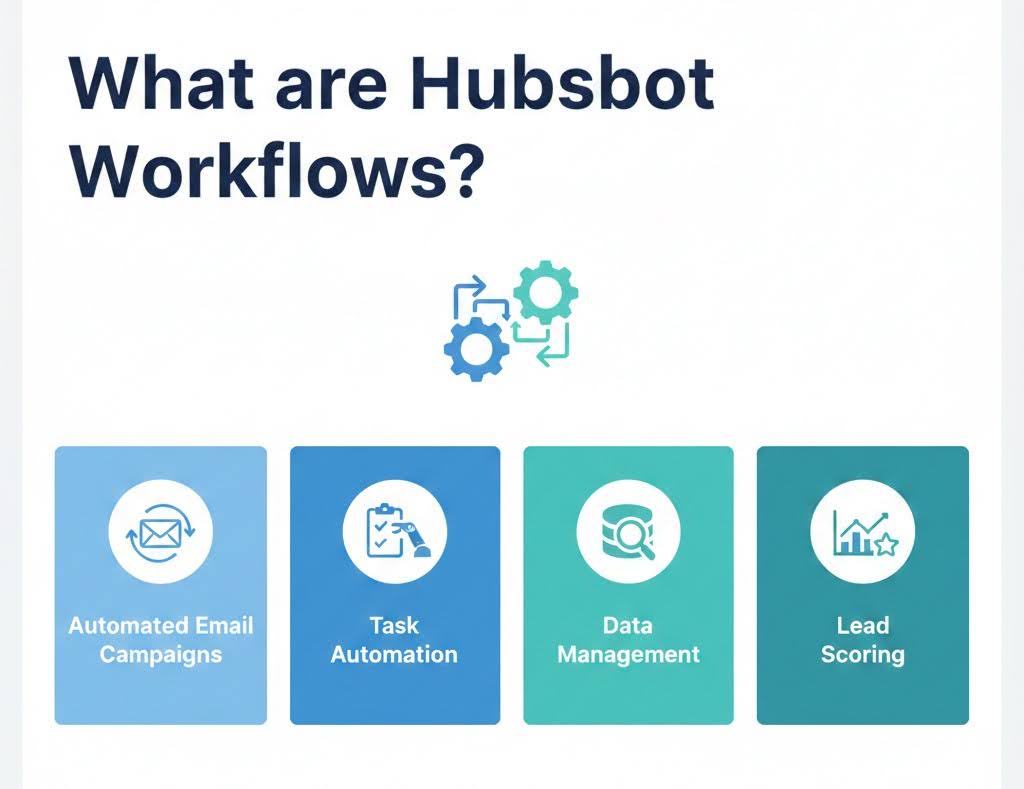
HubSpot Workflows are automated procedures created to assist companies in organizing and managing a range of duties for their customer support, sales, and marketing departments.
- Automated Email Campaigns: HubSpot allows you to automate email sequences, sending personalized messages based on user actions or engagement with previous content, such as opening an email or clicking a link.
- Task Automation: Workflows can automatically assign tasks to team members based on predefined conditions, ensuring that leads are followed up with on time.
- Data Management: Workflows can be used to automatically update contact records, segment contacts based on specific criteria, and maintain data integrity across your CRM.
- Lead Scoring: HubSpot’s workflows help score leads based on interactions, segmenting them into groups that require different levels of engagement.
To increase productivity and improve customer experiences, they let companies design sequences of actions based on triggers, like contact properties, behavior, or engagement.
#1. Lead Nurturing Workflow
Moving people toward a purchase takes care – too much pressure backfires. By 2026, fast-growing teams lean on HubSpot workflows to share useful messages at the right moment instead.
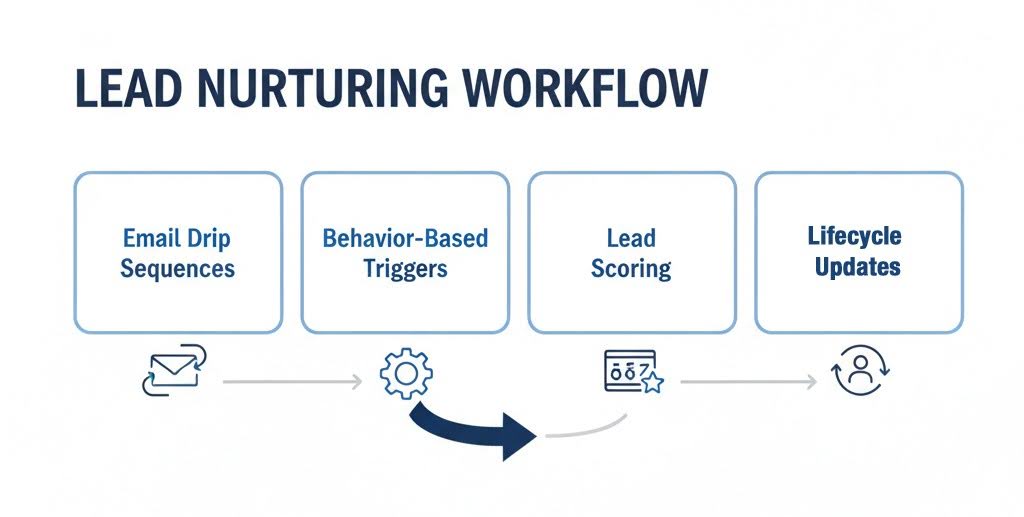
- Email Drip Sequences: Automated email series let you educate and warm up leads over time with helpful, consistent content. They can start when someone fills out a form or downloads a resource, so your brand stays in touch without sounding pushy
- Behavior-Based Triggers: These workflows react to what people actually do, like visiting key pages, clicking emails, or requesting a demo. When someone shows real interest, your team can follow up right away.
- Lead Scoring: Lead scoring helps you see who’s most likely to buy by assigning points for engagement and fit. As a contact’s score grows, they can automatically enter more sales-focused journeys.
- Lifecycle Updates: This workflow updates a contact’s lifecycle stage based on how they interact with your content and brand. It keeps marketing and sales on the same page and ensures people receive messages that match where they are in their buying journey.
These automated steps keep conversations flowing while making connections stronger.
#2. Customer Onboarding Workflow
An effective customer onboarding process lays the groundwork for lasting retention and satisfaction.
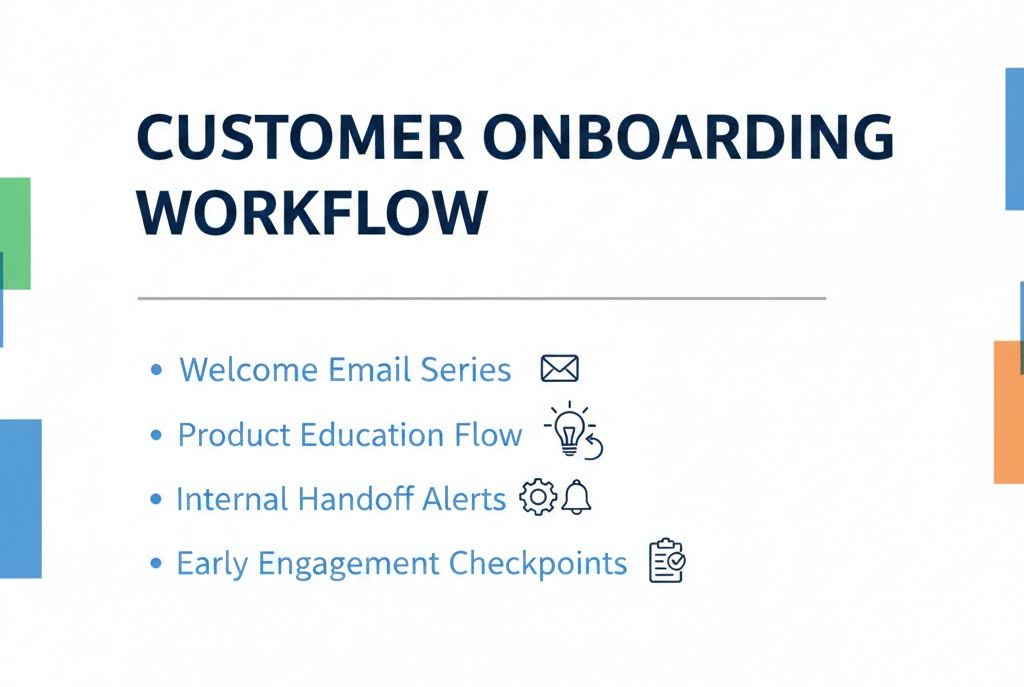
- Welcome Email Series: New customers are introduced to the product, its main features, and the next steps through automated welcome emails. This makes a good first impression.
- Product Education Flow: Based on customer actions and usage stages, this workflow provides tutorials, guides, or videos. It promotes quicker adoption and improves user comprehension of the product.
- Internal Handoff Alerts: When a new customer is onboarded, HubSpot workflows alert the sales, support, or success teams. It guarantees effective internal communication and keeps crucial actions from being overlooked.
- Early Engagement Checkpoints: After predetermined amounts of time, automated check-in emails or tasks are initiated. These touchpoints keep customers interested during the crucial early stage and aid in the identification of early problems.
High-growth teams utilize HubSpot workflows to guarantee that every new customer enjoys a smooth, guided experience right from the start.
#3. Sales Pipeline Workflow
A well-organized sales pipeline is key to closing deals quickly and predicting revenue with confidence.
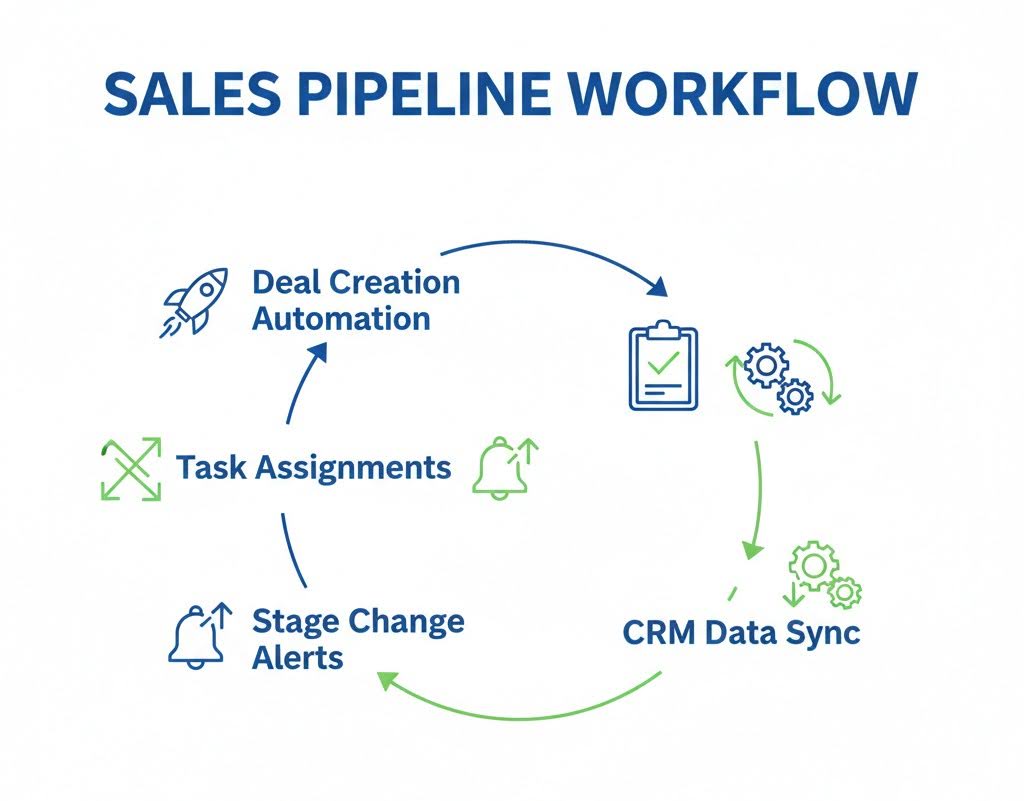
- Deal Creation Automation: When leads meet certain qualifying requirements, this workflow automatically generates deals. It guarantees that no sales opportunity is lost and maintains real-time pipeline updates.
- Task Assignments: Depending on changes in the deal stage, automated task creation assigns sales representatives follow-ups, calls, or demos. This keeps deals from expiring and maintains timely engagement.
- Stage Change Alerts: When deals transition between pipeline stages, alerts are sent out. These alerts facilitate faster responses and improved coordination by keeping sales teams informed and in sync.
- CRM Data Sync: The process automatically synchronizes contact and business information with transactions. Sales representatives can now use interaction history and real-time insights to tailor outreach.
Fast-growing teams are turning to HubSpot workflows to automate deal progression, remove the need for manual tracking, and keep sales moving smoothly.
#4. Abandoned Cart Workflow
Abandoned carts represent a significant loss of revenue for e-commerce teams.
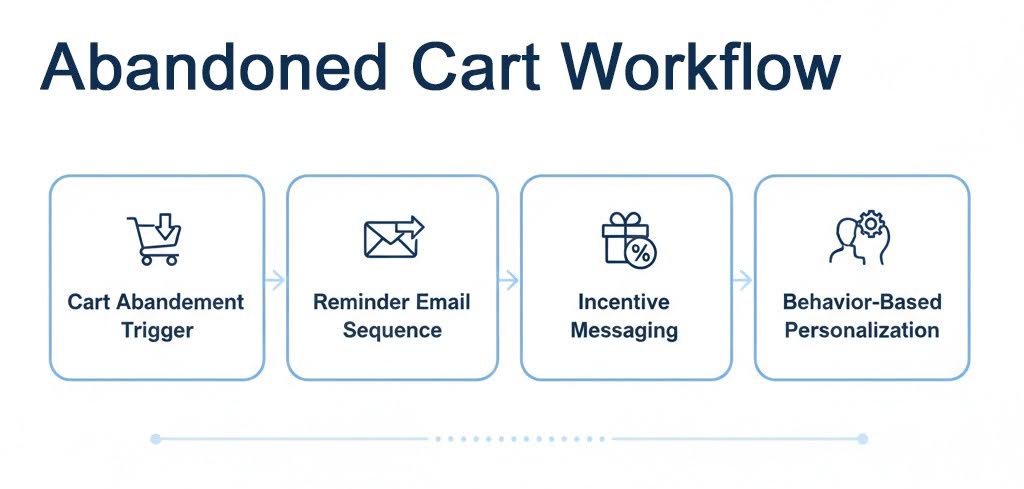
- Cart Abandonment Trigger: The workflow activates when a user adds products to their cart but doesn’t complete the purchase within a set time. This ensures timely follow-ups while the buying intent is still high.
- Reminder Email Sequence: Users are prompted to return and finish their purchase by automated reminder emails. To motivate action, these messages may emphasize the advantages of the product, its urgency, or social proof.
- Incentive messaging: Reluctant customers receive discount codes or time-limited offers automatically. This strategy increases conversion rates and reduces purchase friction.
- Behavior-Based Personalization: Product information, browsing history, or previous purchases are used to customize emails. This raises the possibility of cart recovery and makes follow-ups more pertinent.
By using behavioral triggers and tailored messaging, this process helps convert indecision into finalized purchases.
#5. Event Registration and Reminder Workflow
Events remain a powerful channel for engagement and lead generation in 2026, but manual coordination can slow teams down.
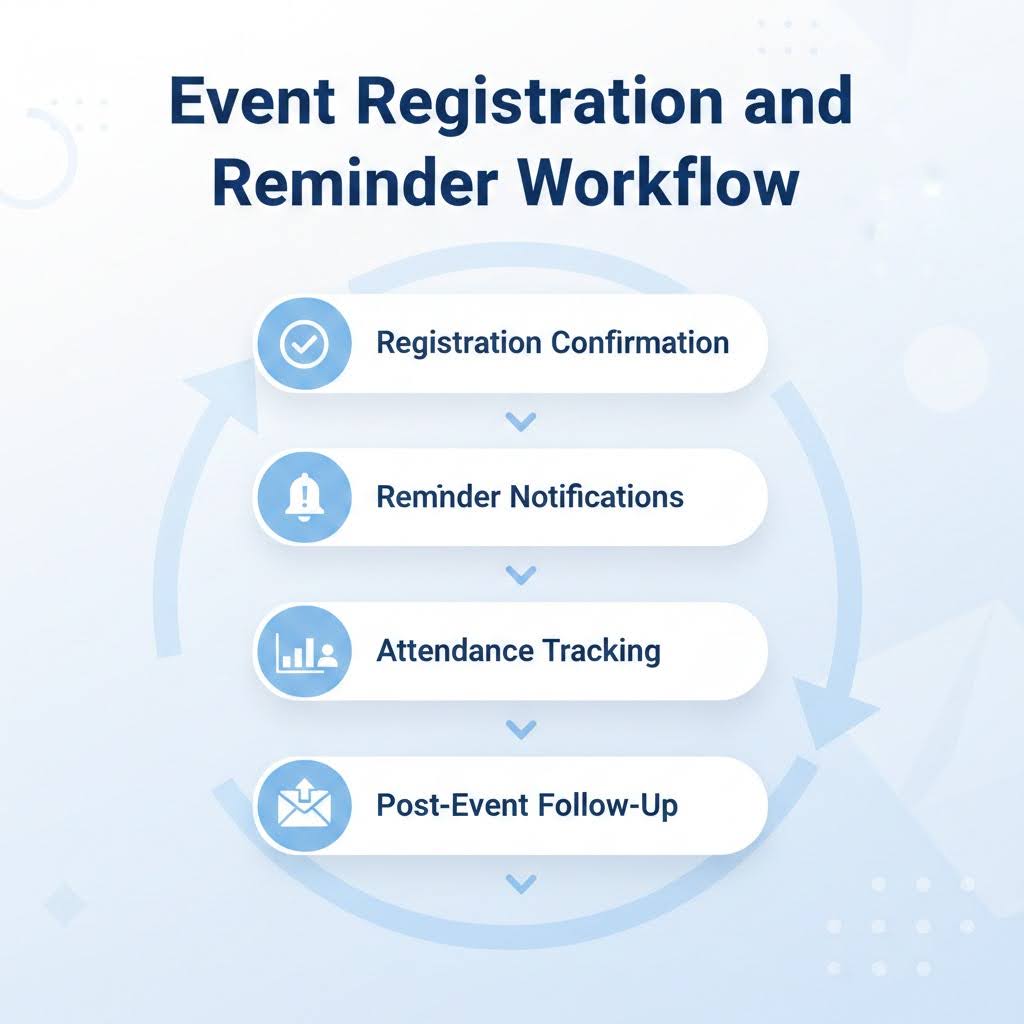
- Registration Confirmation: As soon as you sign up, an automated confirmation email is sent. These emails reduce confusion and no-shows by providing event details, calendar links, and next steps.
- Reminder Notifications: Prior to the event, timed reminder emails or SMS messages are sent out. This greatly raises attendance rates and keeps the event at the forefront of people’s minds.
- Attendance Tracking: Depending on the attendance status, the workflow modifies contact records. Teams can use this to divide up attendees and no-shows for more focused follow-up efforts.
- Post-Event Follow-Up: Following an event, automated follow-ups share resources, recordings, or next steps. Attendees are moved further down the funnel, and engagement is increased as a result.
HubSpot workflows automate the entire event journey, from registration to post-event follow-ups.
#6. Post-Purchase Follow-Up Workflow
The customer journey doesn’t stop at checkout—that’s just the beginning of building lasting relationships.
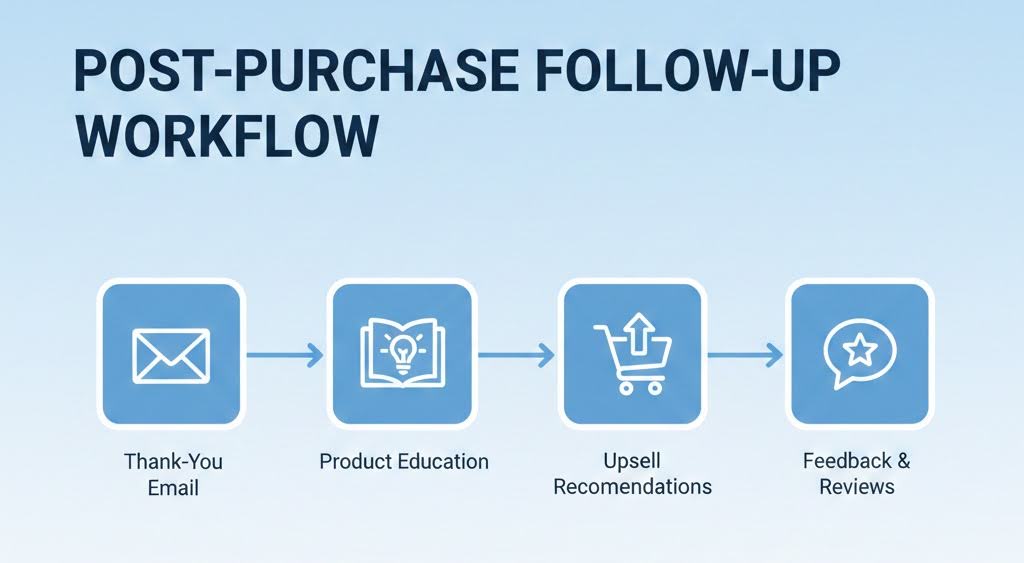
- Thank-You Email: As soon as a purchase is made, an automated thank-you email goes out right away. It reassures customers, confirms their order details, and sets clear expectations for delivery or what to expect next.
- Product Education: Follow-up emails provide useful guides, tips, or tutorials that relate to the product they just bought. This not only helps customers get the most out of their purchase but also clears up any confusion they might have after buying.
- Upsell Recommendations: Based on what customers have bought in the past, personalized recommendations for additional products or services are sent out. This strategy boosts the average order value without coming off as pushy.
- Feedback & Reviews: After a certain period, automated requests for feedback or reviews are sent out. These insights are invaluable for improving our offerings and help build social proof for future customers.
High-growth teams are using HubSpot workflows to stay engaged with customers after their purchase and foster long-term loyalty.
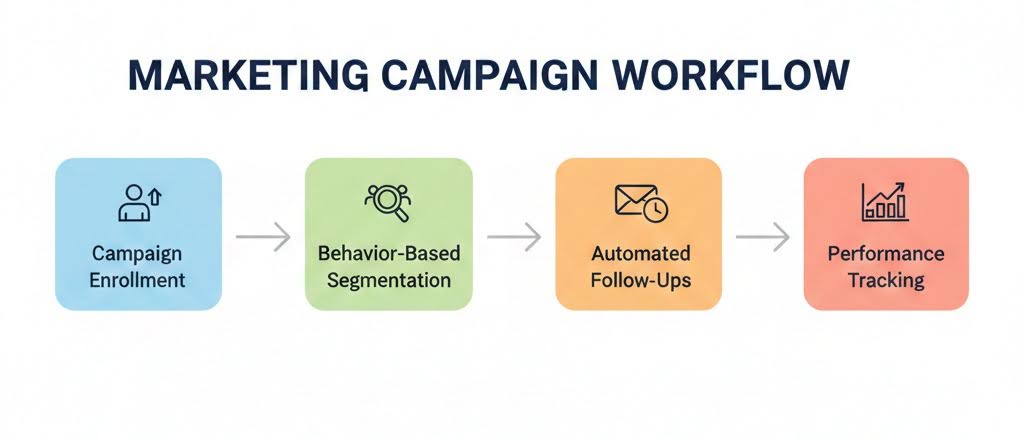
#7. Marketing Campaign Workflow
To run successful marketing campaigns, you need more than just a spark of creativity—it’s all about automation and precision.
- Campaign Enrollment: Contacts are automatically added to campaigns when they fill out forms, visit pages, or interact with ads. This way, you can be sure that no potential lead gets overlooked.
- Behavior-Based Segmentation: The workflow sorts contacts based on how engaged they are and the actions they’ve taken. This enables marketers to send out more relevant messages and boost campaign performance.
- Automated Follow-Ups: Follow-up emails or tasks are triggered by how people engage with the campaign. This keeps prospects moving through the sales funnel while ensuring timely communication.
- Performance Tracking: HubSpot automatically refreshes campaign metrics and contact records. This allows teams to assess ROI and fine-tune campaigns using real-time insights.
With HubSpot workflows, teams can effortlessly manage their campaigns from the initial launch all the way to conversion, without the hassle of manual work.
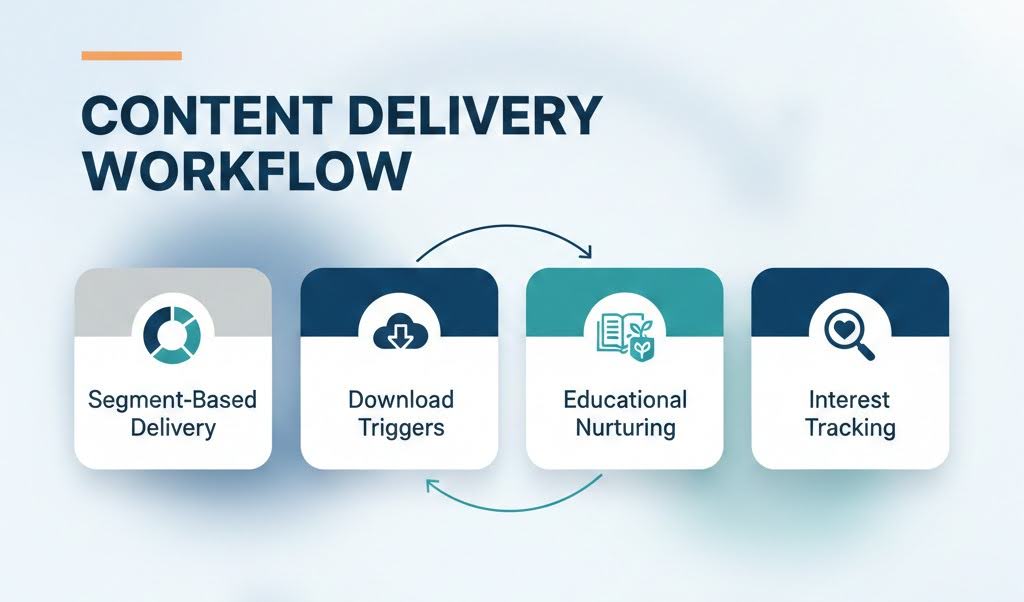
#8. Content Delivery Workflow
Creating personalized content experiences is crucial for nurturing leads and establishing trust.
- Segment-Based Delivery: Content is tailored and delivered based on the characteristics of the contact, their stage in the lifecycle, or their interests. This approach keeps the messaging relevant and boosts engagement rates.
- Download Triggers: Automated workflows kick in when users download resources or sign up for content. This enables teams to follow up with related materials, enhancing engagement.
- Educational Nurturing: Over time, prospects receive valuable educational content like blogs, case studies, or webinars. This strategy helps build authority and positions the brand as a reliable resource.
- Interest Tracking: HubSpot monitors how users interact with content to fine-tune future delivery. This allows teams to continually personalize experiences based on changing user interests.
With HubSpot workflows, high-growth teams can effortlessly deliver the right content tailored to user behavior and interests.
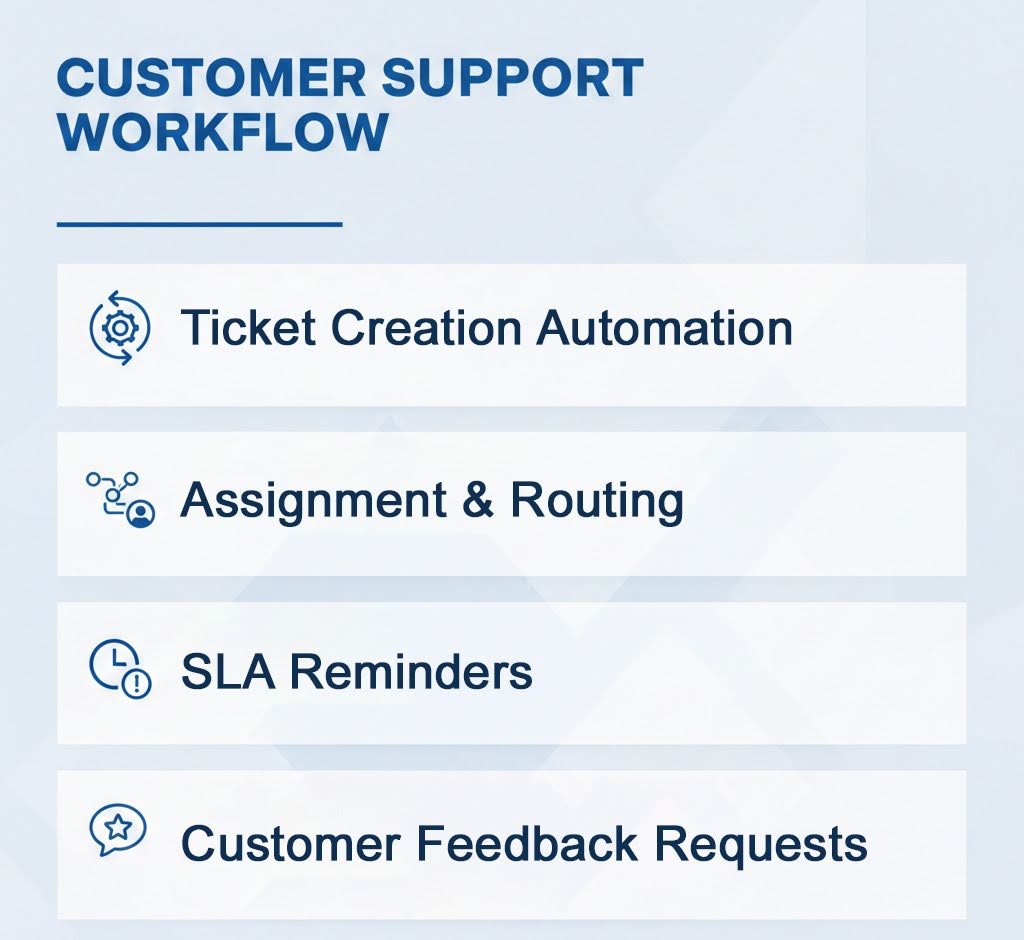
#9. Customer Support Workflow
Exceptional customer support is going to be a game-changer for high-growth teams. With
- Ticket Creation Automation: Support tickets are created automatically from emails, forms, or chat interactions. This means that every customer issue gets logged and tracked without anyone having to lift a finger.
- Assignment & Routing: Tickets are directed to the appropriate support agents based on the type of issue or its priority. This not only speeds up resolutions but also helps avoid any mix-ups within the team.
- SLA Reminders: Automated reminders keep agents informed about upcoming or missed SLA deadlines. This ensures that teams stay on track and uphold their service-level commitments.
- Customer Feedback Requests: After a ticket is resolved, feedback or satisfaction surveys are automatically sent out. These insights are invaluable for enhancing support processes and boosting customer satisfaction.
With HubSpot workflows, you can automate your support processes, which means quicker response times and a consistent level of service that keeps customers happy.
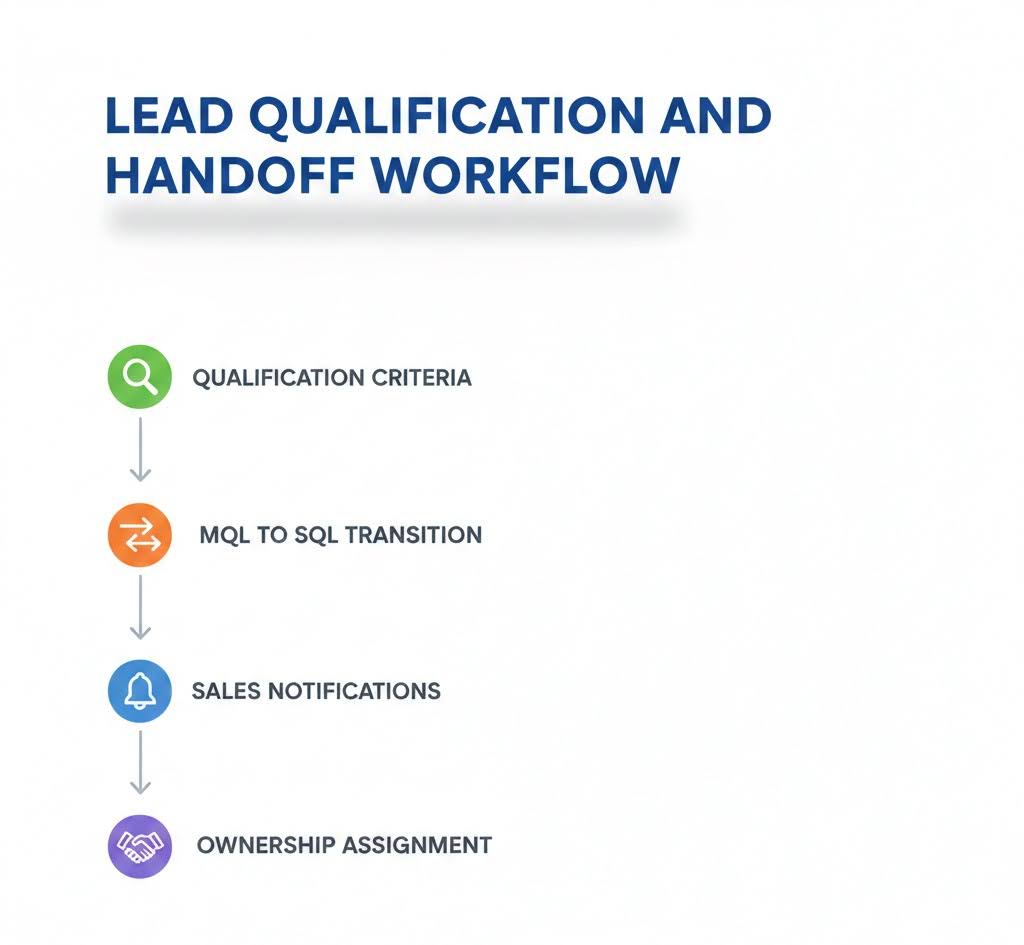
#10. Lead Qualification and Handoff Workflow
For teams that are experiencing rapid growth, the disconnect between marketing and sales can really impact revenue growth.
- Qualification Criteria: We assess leads based on specific engagement and demographic factors. This way, we ensure that only the best leads make it to the sales team, which helps boost our closing rates.
- MQL to SQL Transition: The system automatically updates the lifecycle stages as leads hit the qualification benchmarks. This keeps both teams on the same page regarding when leads are ready to move forward.
- Sales Notifications: Automated alerts let sales reps know when a qualified lead is primed for outreach. This allows for quick follow-ups while the lead’s interest is still high.
- Ownership Assignment: Leads are automatically directed to the right sales representative. This helps avoid any delays and ensures that everyone is accountable during the transition.
HubSpot workflows will be there to streamline lead qualification, making sure that only leads ready for sales make it to the sales team.
Conclusion
HubSpot workflows have become a game-changer for high-growth teams eager to scale up without adding unnecessary complexity. Whether it’s lead nurturing, sales automation, or customer support and retention, each workflow is vital in building a smoother, more efficient growth engine.
By automating those repetitive tasks and bringing marketing, sales, and customer success teams together, businesses can make quicker decisions and seize opportunities as they arise. This kind of automation not only boosts productivity but also elevates the overall customer experience.
As HubSpot keeps evolving with smarter automation and AI-driven features, teams that jump on optimizing their workflows early will have the edge over their competitors. In 2026, growth isn’t just about doing more; it’s about letting the right workflows handle the heavy lifting for you.
Deepak Wadhwani has over 20 years experience in software/wireless technologies. He has worked with Fortune 500 companies including Intuit, ESRI, Qualcomm, Sprint, Verizon, Vodafone, Nortel, Microsoft and Oracle in over 60 countries. Deepak has worked on Internet marketing projects in San Diego, Los Angeles, Orange Country, Denver, Nashville, Kansas City, New York, San Francisco and Huntsville. Deepak has been a founder of technology Startups for one of the first Cityguides, yellow pages online and web based enterprise solutions. He is an internet marketing and technology expert & co-founder for a San Diego Internet marketing company.