


The Ultimate UI/UX Design Guide

The Ultimate UI/UX Design Guide

Table of Contents

Introduction

Users don’t just use products—they truly experience them. At the core of this interaction are UI (User Interface) and UX (User Experience) design, which shape how users perceive, navigate, and connect with digital platforms.

UI/UX design has evolved beyond mere aesthetics or standalone usability. It’s now a strategic field that intertwines psychology, technology, and business objectives to create meaningful digital experiences.

Whether you’re just starting your journey into the world of UI/UX or aiming to refine your design strategy, this ultimate guide will lead you through essential concepts, tried-and-true practices, and contemporary design principles that drive successful digital products.

Core Principles of Effective UI/UX Design

Core Principles of Effective UI/UX Design

Effective UI/UX design is all about laying down solid principles that put users first while also keeping business goals in mind.

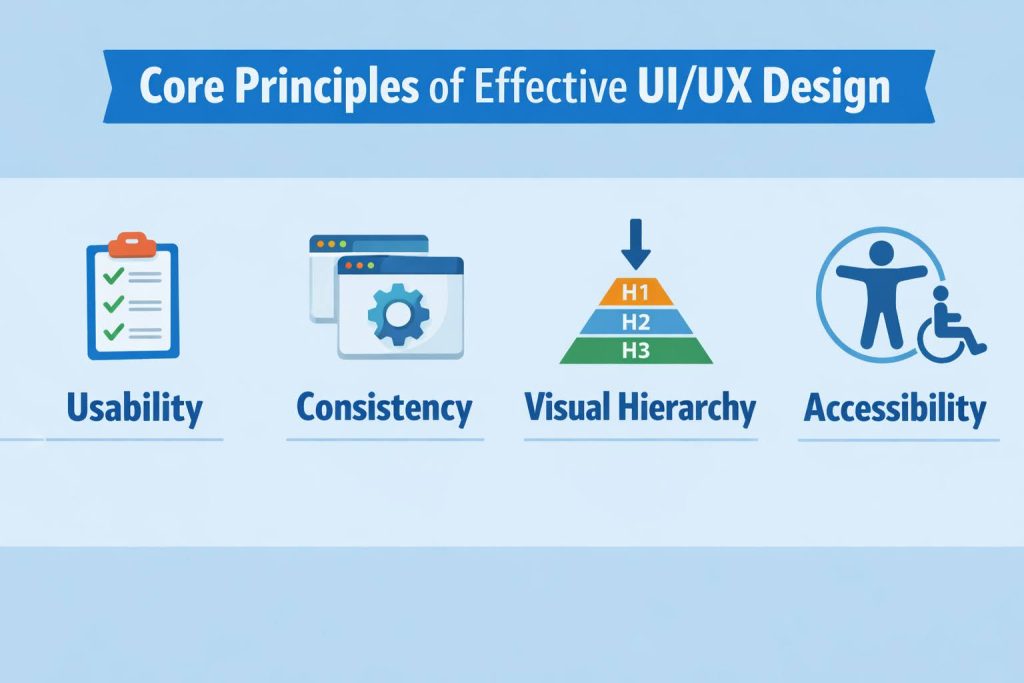
  • Usability: A design that prioritizes usability cuts down on confusion, lightens the mental load, and lets users complete their tasks smoothly without unnecessary hurdles or complicated instructions.
  • Consistency: Consistency is key when it comes to design elements like colors, fonts, icons, and interaction styles. By keeping things uniform, users can quickly become familiar with the interface, making it easier to learn and reinforcing the brand’s identity throughout the entire experience.
  • Visual Hierarchy: Visual hierarchy is crucial for guiding users’ focus by arranging elements based on their importance. By skillfully using size, contrast, spacing, and alignment, designers can effortlessly steer users toward the most important actions and information.
  • Accessibility: Accessibility is all about making sure that digital products are usable for everyone, including those with visual, auditory, or motor challenges.

These guiding principles help create digital products that are not only intuitive and accessible but also deliver a seamless, high-quality experience for users, no matter what platform or device they’re on.

User Research & Personas

User Research & Personas

User research is the heart and soul of user-centered design. It makes sure that our design choices are based on actual user needs instead of just guesswork.

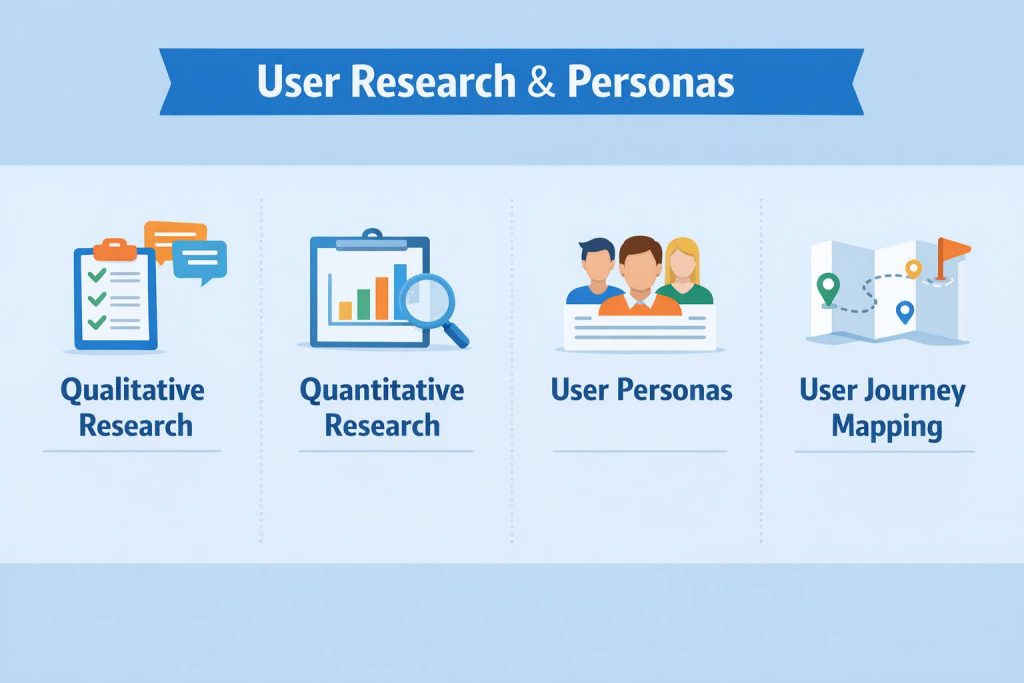
  • Qualitative Research: This type of research dives into understanding how users feel, what they think, and what drives their actions. It employs techniques like interviews, usability tests, and direct observations.
  • Quantitative Research: On the flip side, quantitative research is all about the numbers. It gathers data through surveys, analytics, and usage metrics.
  • User Personas: They serve as a tool for designers to connect with users on a deeper level, align everyone involved, and make smart design decisions that keep user goals and challenges in mind.
  • User Journey Mapping: User journey maps are visual representations of the entire experience a user has with a product or service.

By systematically studying user behavior, motivations, and pain points, designers can create experiences that are both relevant and effective.

Information Architecture & User Flow

Information Architecture & User Flow

Information architecture and user flow are all about how we organize content and guide users as they navigate through a digital product.

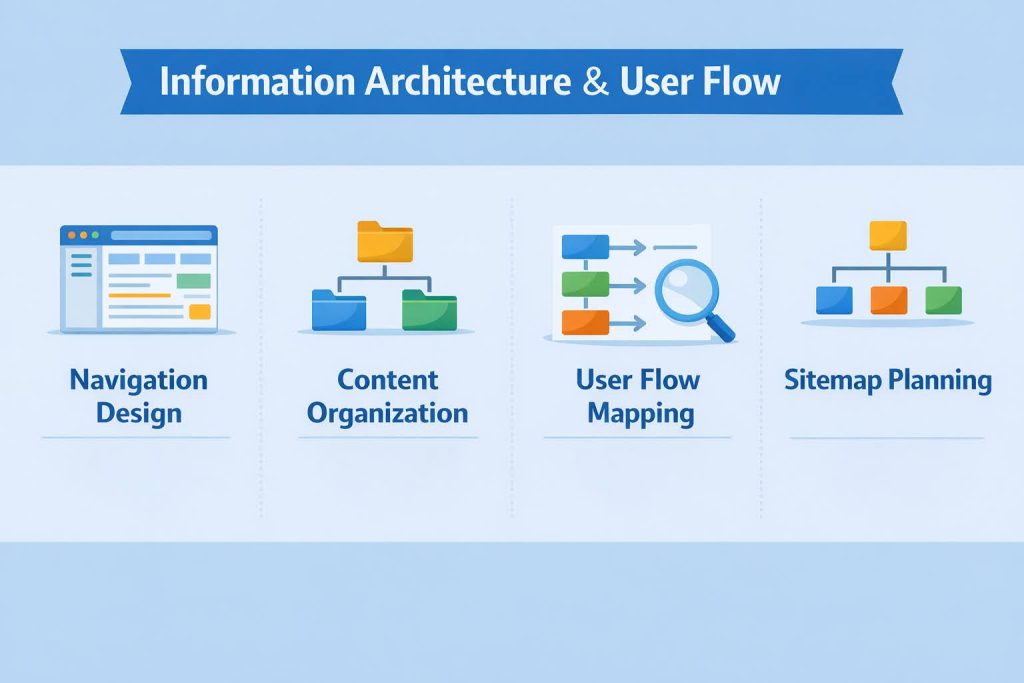
  • Content Organization: Organizing content means grouping and labeling information in a way that makes sense and feels intuitive.
  • Navigation Design: This aspect is all about crafting clear and consistent paths throughout the product.
  • User Flow Mapping: User flow mapping involves outlining the steps users take to complete tasks or achieve their goals.
  • Sitemap Planning: Sitemaps give a bird’s-eye view of the product’s structure and how the pages relate to one another.

A well-planned structure ensures users can find information easily, complete tasks efficiently, and navigate the interface without confusion or friction.

Wireframing & Prototyping

Wireframing & Prototyping

Wireframing and prototyping take those big, abstract ideas and turn them into real, concrete design structures.

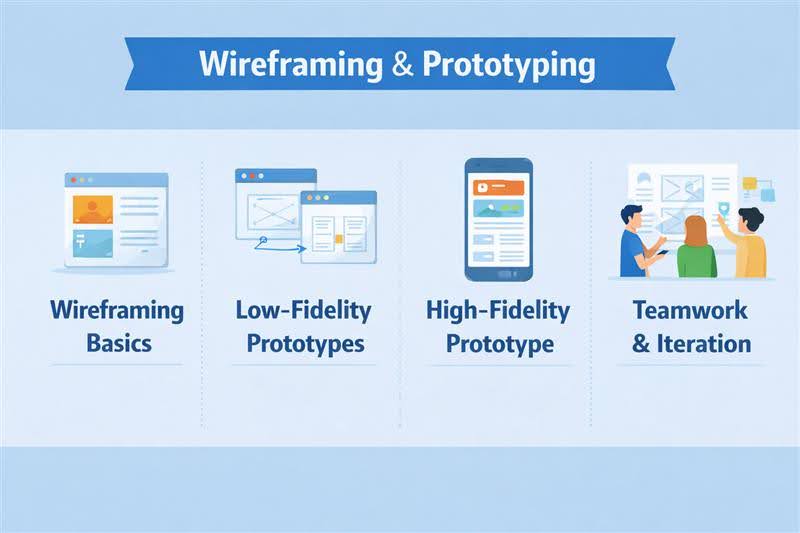
  • Wireframing Basics: Think of wireframes as the simple blueprints for your project. They sketch out the layout, where content goes, and how everything will function, all while keeping the visual design elements out of the way.
  • Low-Fidelity Prototypes: These prototypes are all about how things work and interact, rather than how they look.
  • High-Fidelity Prototypes: High-fidelity prototypes are much closer to what the final product will look and feel like.
  • Teamwork & Iteration: The magic of wireframing and prototyping happens when designers, developers, and stakeholders collaborate.

These stages help designers bring their layouts to life, experiment with how things work, and fine-tune user experiences right from the start. This approach minimizes risks and cuts down on expensive changes later in the development process.

Interaction Design & Microinteractions

Interaction Design & Microinteractions

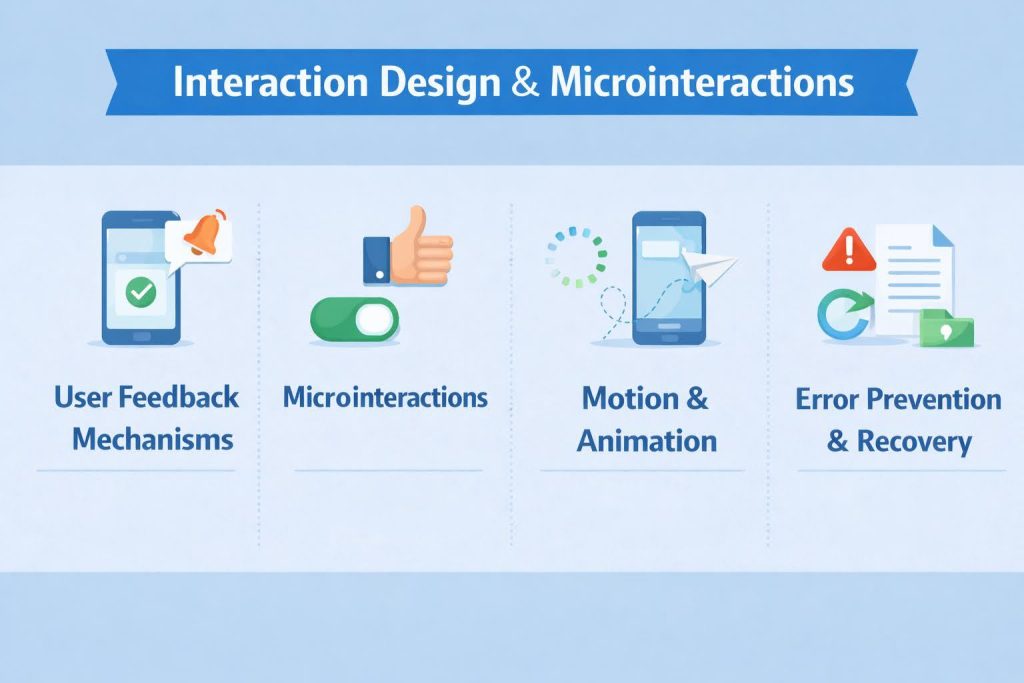
Interaction design focuses on how users engage with a digital product, defining the behavior of interface elements in response to user actions.

  • User Feedback Mechanisms: These mechanisms let users know that their actions haven’t gone unnoticed by the system. With visual cues, animations, and smooth transitions, users feel reassured and less uncertain during their interactions.
  • Microinteractions: These are those tiny, focused interactions like button states, loading indicators, or form validations. While they might seem minor, they’re essential for enhancing usability and giving the overall experience a polished touch.
  • Motion & Animation: Motion and animation help direct user attention and clarify changes in the interface. When applied thoughtfully, they create seamless transitions, boost understanding, and strengthen visual hierarchy without overwhelming the user.
  • Error Prevention & Recovery: Good interaction design anticipates potential user errors and works to lessen their effects. Clear error messages, confirmations, and straightforward recovery options help keep user trust intact and avoid frustration.

Thoughtfully designed interactions improve usability, provide feedback, and create a seamless, intuitive experience that feels responsive and human.

Accessibility & Inclusive Design

Accessibility & Inclusive Design

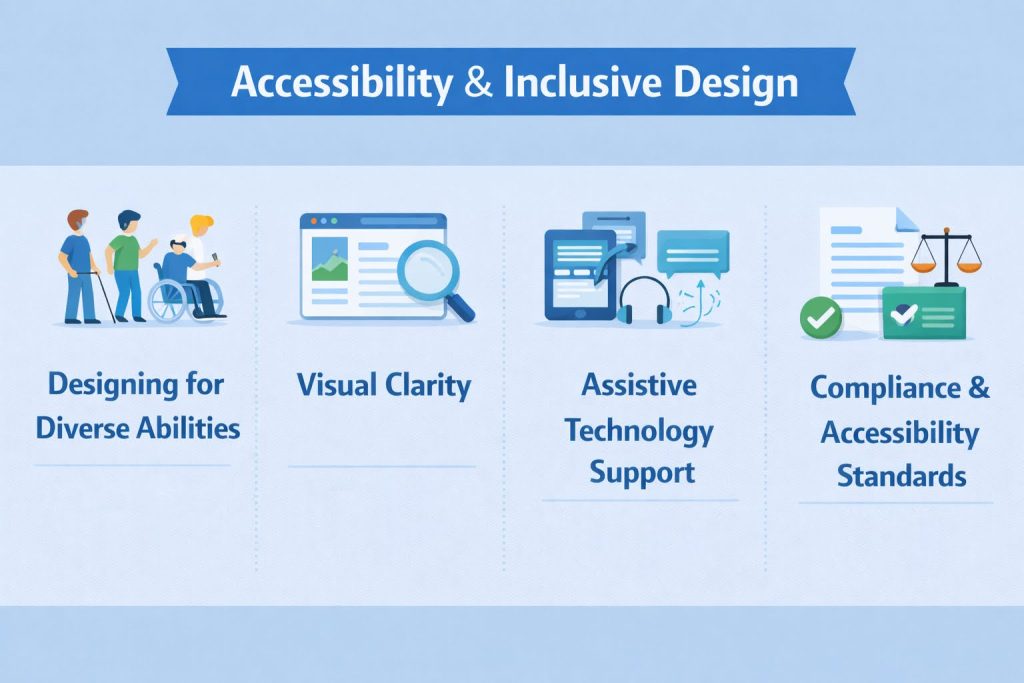
Accessibility and inclusive design ensure that digital products can be used effectively by people of all abilities and circumstances.

  • Designing for Diverse Abilities: Inclusive design takes into account users with visual, auditory, motor, and cognitive challenges right from the beginning.
  • Visual Clarity: Using clear typography, ensuring good color contrast, and maintaining consistent spacing all contribute to better readability.
  • Assistive Technology Support: For interfaces to be truly accessible, they need to support keyboard navigation and work well with screen readers.
  • Compliance & Accessibility Standards: Following guidelines like WCAG is essential for meeting accessibility best practices. Not only does compliance help mitigate legal risks, but it also strengthens our dedication to inclusive, user-centered design.

By focusing on inclusivity in their designs, organizations can not only adhere to compliance standards but also create experiences that are more ethical, scalable, and user-friendly.

UI/UX Design Trends & Future Outlook

UI/UX Design Trends & Future Outlook

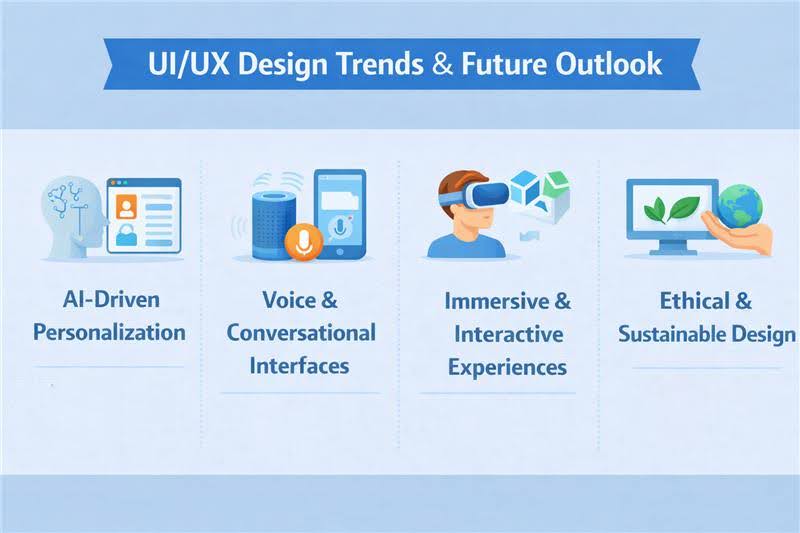
UI/UX design continues to evolve alongside technological advancements and changing user expectations.

  • AI-Driven Personalization: Artificial intelligence is revolutionizing UI/UX by creating personalized interfaces and adaptive user experiences.
  • Voice & Conversational Interfaces: Voice-activated and conversational interfaces are becoming essential in today’s digital landscape.
  • Immersive & Interactive Experiences: Technologies like augmented reality (AR) and motion-based interactions are taking user engagement to the next level. When implemented thoughtfully, these immersive experiences forge deeper emotional connections.
  • Ethical & Sustainable Design: The future of UI/UX is all about prioritizing ethical design practices, such as data transparency, user privacy, and digital well-being.

Keeping up with the latest trends helps designers and businesses craft digital experiences that are not only relevant and intuitive but also ready for the future and competitive in the market.

Conclusion

UI/UX design has evolved beyond just a supportive role; it’s now a key player in driving digital success. Every aspect, from usability and accessibility to interaction design and the latest trends, plays a vital part in crafting meaningful and effective user experiences.

By embracing user-centered principles, conducting thorough research, and applying thoughtful design practices, organizations can develop products that are not only intuitive and inclusive but also aligned with their business objectives. Great UI/UX design minimizes friction, fosters trust, and promotes long-term user engagement.

As technology keeps advancing, the significance of UI/UX designers will only increase. By remaining adaptable, ethically aware, and focused on genuine user needs, we can ensure that digital experiences stay relevant, impactful, and ready for the future.

Scroll to Top