
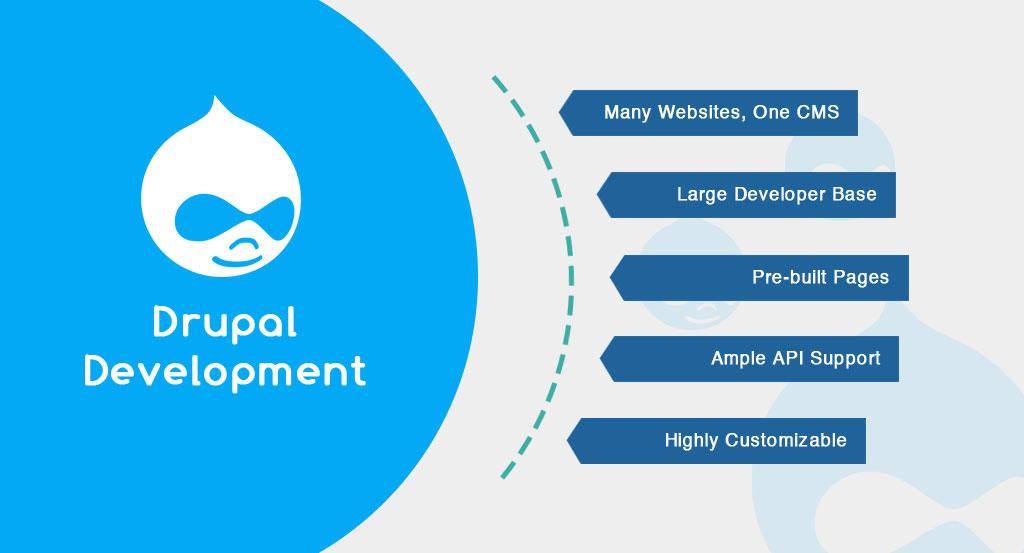


Introduction
Searching for a scalable website solution to improve performance and content management?
When security, flexibility, and control matter most, organizations turn to Drupal. Trusted by governments, enterprises, and fast-growing brands worldwide, Drupal empowers you to build secure, scalable websites without compromise.
Drupal is one of the most widely used platforms for building powerful and flexible websites. As more organizations aim to create engaging digital experiences for their customers, partners, and internal teams, Drupal has positioned itself as a strong choice.
It offers a mobile-first approach, built-in integration capabilities, strong performance, and the scalability needed for growing businesses.
The latest version of Drupal introduces meaningful improvements in module development and theme creation. These updates not only enhance performance but also make the overall development process more structured and efficient.
For beginners, this means a cleaner foundation to learn from and better tools to build modern, high-performing websites. In this beginner-friendly guide to Drupal development, we’ll walk you through everything you need to get started the right way.
You’ll learn what Drupal is, why it stands out compared to other content management systems, and the essential concepts every beginner should understand before diving into development. By the end, you’ll have a clear roadmap to start building confidently with Drupal.
We are trusted by hundred of clients & millions of users worldwide:
- “Their proactivity in suggesting ways that we can improve our marketing and website has been impressive.”
- “They really care about their customers and do not stop until each issue and problem is solved.”
- “Their organic ability to be flexible with laid plans was impressive…”
1. Understanding Drupal
Drupal is an open-source content management system CMS written in PHP, which is backed by developers and contributors. It offers an architecture that allows developers to build a wide range of websites, from simple blogs to complex enterprise applications.
Drupal gives a set of advanced tools and modules which improve the content creation, website customization, and management, which helps to make informed decision developers and site owners.
2. Getting Started with Drupal Development
To begin your Drupal development journey, follow these key steps:
2.1 Installing Drupal
- Download the latest version of Drupal development from the official website
- Follow the login and installation instructions provided in the documentation, which mainly involve setting up a web server, which creates a database with Drupal core files
- Once installed, you will have a basic Drupal site that will be ready for customization
2.2 Customizing the Website’s Appearance
- Drupal gives an option to customize the appearance of your website according to your preference and themes
- It will include the layout, design, and styling of your site
- Explore the available Drupal themes, which are provided for both free and premium, and select a theme that aligns with your website’s purpose and branding
- You can further customize the chosen theme by modifying its templates, stylesheets, and adding your own graphics
2.3 Extending Functionality with Modules
- Drupal’s modular architecture allows you to extend its functionality using modules. Modules will provide specific features and capabilities to your Drupal site
- Visit the Drupal module directory
- To explore the various options of modules available
- Install and configure the modules that meet your website’s requirements, such as contact forms, image galleries, SEO tools, and more
3. Managing Content in Drupal
Content management is one of the most important elements of Drupal development. It will provide a flexible and intuitive content creation and management system.
Here are some key features and best practices for managing content in Drupal:
3.1 Creating Content Types
- Drupal allows you to choose custom content types, in various templates for types of content on your site
- You can create content types such as blog posts, news articles, product pages, etc. Define the fields and settings for each content type, including title, body, image, taxonomy terms, and more
3.2 Organizing Content with Taxonomy
- Drupal’s taxonomy system enables you to organize and categorize your content
- Create taxonomies to classify and tag your content, making it easier for users to navigate and search for specific information on your site
3.3 Managing User Permissions
- Drupal provides a robust user management system that allows you to create user roles and assign specific permissions to each role.
- Define user roles based on the responsibilities and access levels required on your
site, ensuring the right users have appropriate permissions to create, edit, and manage content.
Conclusion
Drupal development offers a powerful and flexible platform for building dynamic, customizable websites. By following the steps explained in this beginner’s blog, you can get started with Drupal and customize your website’s appearance.
Drupal also allows you to extend functionality through modules and effectively manage your content. As you continue to explore Drupal’s features and capabilities, you will unlock endless possibilities for creating unique and engaging web experiences.

Deepak Wadhwani has over 20 years experience in software/wireless technologies. He has worked with Fortune 500 companies including Intuit, ESRI, Qualcomm, Sprint, Verizon, Vodafone, Nortel, Microsoft and Oracle in over 60 countries. Deepak has worked on Internet marketing projects in San Diego, Los Angeles, Orange Country, Denver, Nashville, Kansas City, New York, San Francisco and Huntsville. Deepak has been a founder of technology Startups for one of the first Cityguides, yellow pages online and web based enterprise solutions. He is an internet marketing and technology expert & co-founder for a San Diego Internet marketing company.