
Definition of Hyperlink
A hyperlink, often just called a link, is a clickable part of a digital document that takes users to another spot. This could be another webpage, a different section of the same page, a file you can download, an email address, or even an external app.
You usually find hyperlinks embedded in text, images, buttons, or icons. When you click or tap on one, it tells your browser to fetch and show the linked resource, making it easy to navigate the web.
How Hyperlinks Work
Hyperlinks work through URLs, or Uniform Resource Locators, which tell us where to find a specific resource online. So, when you click on a hyperlink, here’s what happens:
- Your browser grabs the URL, sends a request to the server that holds the resource, and then it gets back the data it needs to show you the content.
- This whole process is super quick, which is why hyperlinks are essential for seamless and user-friendly web navigation.
Types of Hyperlinks
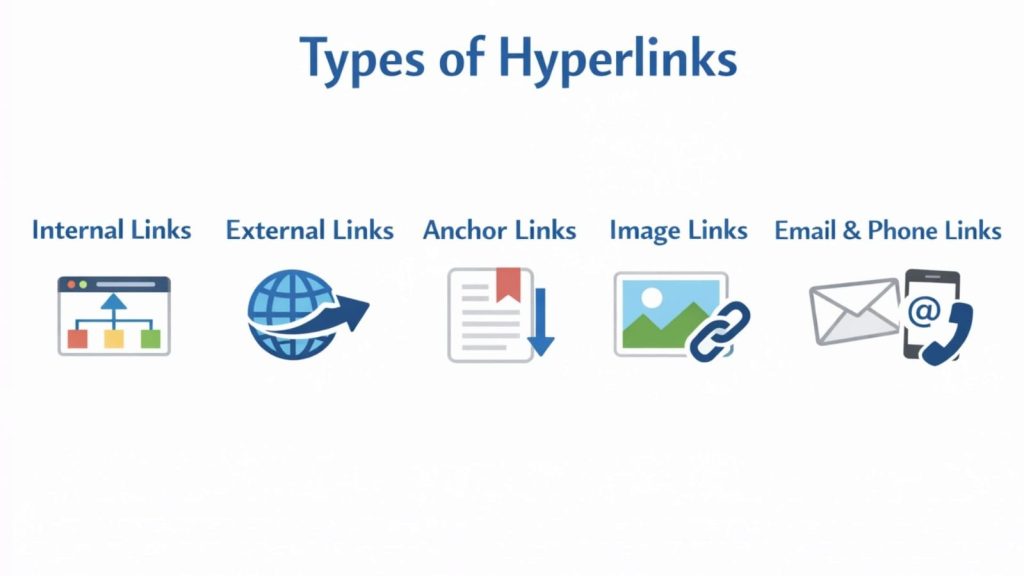
- Internal Links: These are the connections that link one page of a website to another within the same domain. They not only help users navigate through related content but also aid search engines in grasping the overall structure of the website.
- External Links: These links direct users from one website to another. They’re often used to cite sources, reference studies, or point users toward additional resources.
- Anchor Links: Also known as jump links, anchor links take users to a specific section within the same webpage. They’re particularly handy for lengthy content.
- Image Links: Images can serve as hyperlinks, too. When users click on an image, it redirects them to a linked destination.
- Email and Phone Links: These types of hyperlinks trigger actions rather than just navigation. Email links open the user’s default email client. Phone links enable direct calling on mobile devices.
Importance of Hyperlinks in User Experience
Hyperlinks play a crucial role in enhancing user experience (UX) by making navigation and content discovery feel seamless. When links are strategically placed, they help users flow naturally through a website, minimizing confusion and boosting engagement.
Here are some key benefits of good UX:
- Quick access to relevant information
- Lower bounce rates
- Clear pathways through content
- Better accessibility for users who rely on assistive technologies
Imagine a website without hyperlinks—it would feel static, disjointed, and tough to navigate.
Role of Hyperlinks in SEO
Hyperlinks play a crucial role in Search Engine Optimization (SEO) and are considered one of the key factors for ranking.
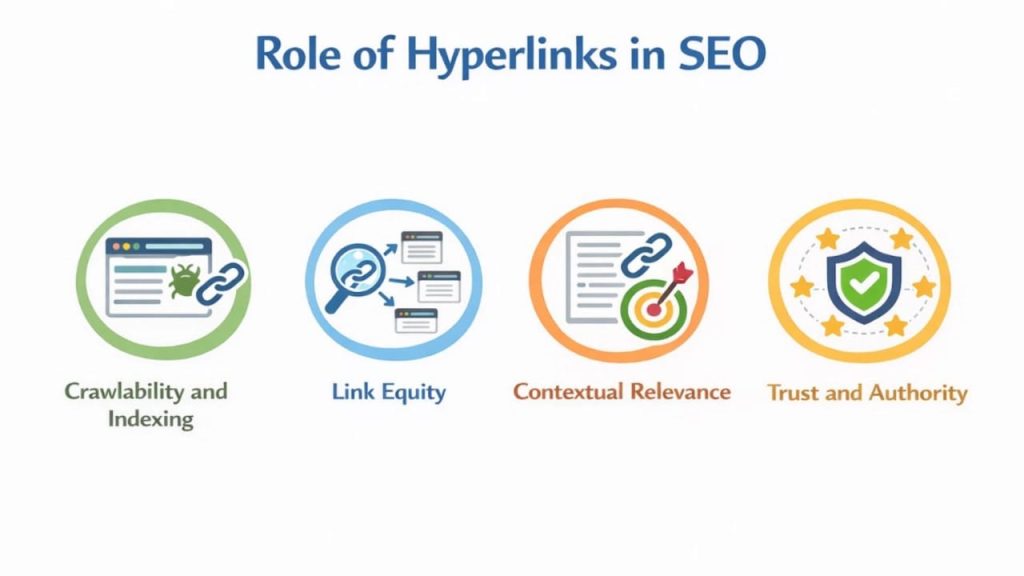
- Crawlability and Indexing: Search engines rely on hyperlinks to find new pages. Internal links make it easier for search engine bots to navigate a website and index its most important pages.
- Link Equity: Hyperlinks transfer authority from one page to another. Pages with strong backlinks can pass value to other linked pages, which helps improve the overall rankings of the site.
- Contextual Relevance: The anchor text in hyperlinks provides search engines with clues about the content of the linked page, thereby enhancing its keyword relevance.
- Trust and Authority: Quality external backlinks from trustworthy websites indicate credibility and trustworthiness, which can enhance a site’s domain authority.
Hyperlinks in Digital Marketing
In the world of digital marketing, hyperlinks play a crucial role in driving conversions. They serve as the bridge connecting users to:
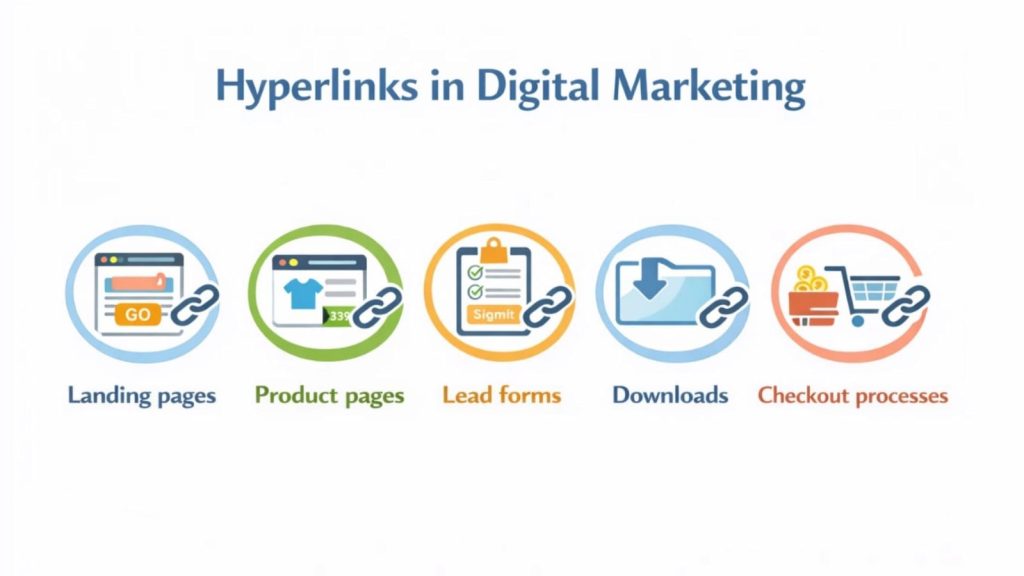
- Landing pages
- Product pages
- Lead forms
- Downloads
- Checkout processes
Every call-to-action (CTA) relies on these hyperlinks to steer users toward achieving a business goal. Whether it’s through email campaigns, social media posts, paid advertisements, or content marketing, effective linking strategies are essential.

Hyperlink Best Practices
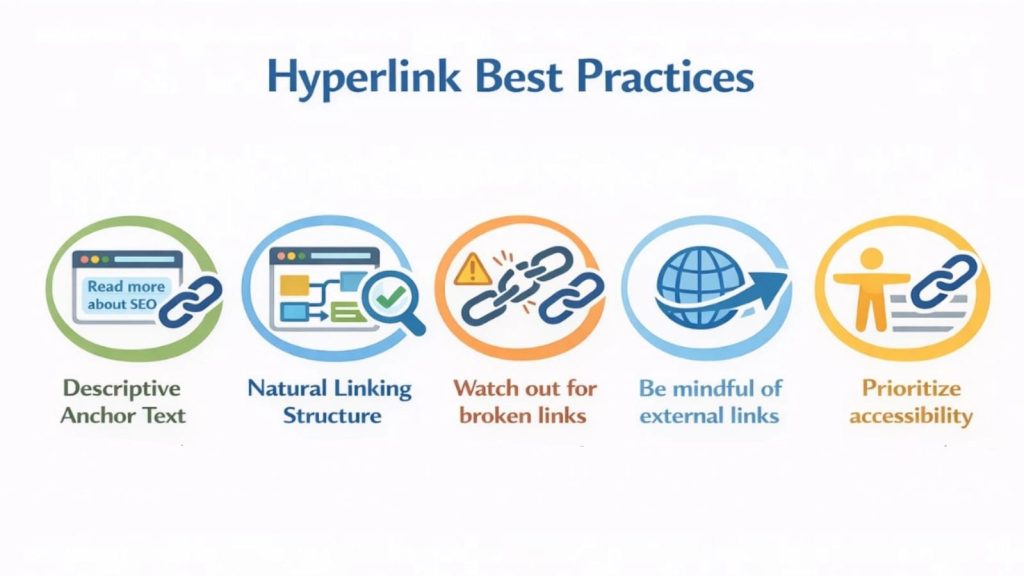
- Descriptive Anchor Text: When it comes to using anchor text, steer clear of bland phrases like “click here.” Instead, opt for descriptive text that clearly indicates where the link will take the user.
- Natural Linking Structure: Links should blend seamlessly into the content. Stuffing a page with too many links can confuse visitors and hurt your SEO efforts.
- Watch out for broken links: Dead links can frustrate users and negatively affect your search rankings. It’s crucial to conduct regular audits to keep your links in check.
- Be mindful of external links: Opening them in a new tab can help retain users on your site longer, but use this feature sparingly to ensure a smooth browsing experience.
- Prioritize accessibility: Make sure hyperlinks are visually distinct and easily readable by screen readers. Good contrast, underlining, and clear descriptive text can significantly enhance accessibility compliance.

